Screenshots vs Derive-and-Discard: A Better Way to See Work
Random screenshots were the best we had. Reading the screen, keeping the derived timeline, and deleting the raw screen data is what we actually needed. Here's why the shift matters for accurate work visibility.
Updated on 8 July 2026
For years, screenshot monitoring was the gold standard for remote employee visibility. Take a picture every 5-10 minutes, store it, let managers review it. Simple, straightforward, and deeply flawed.
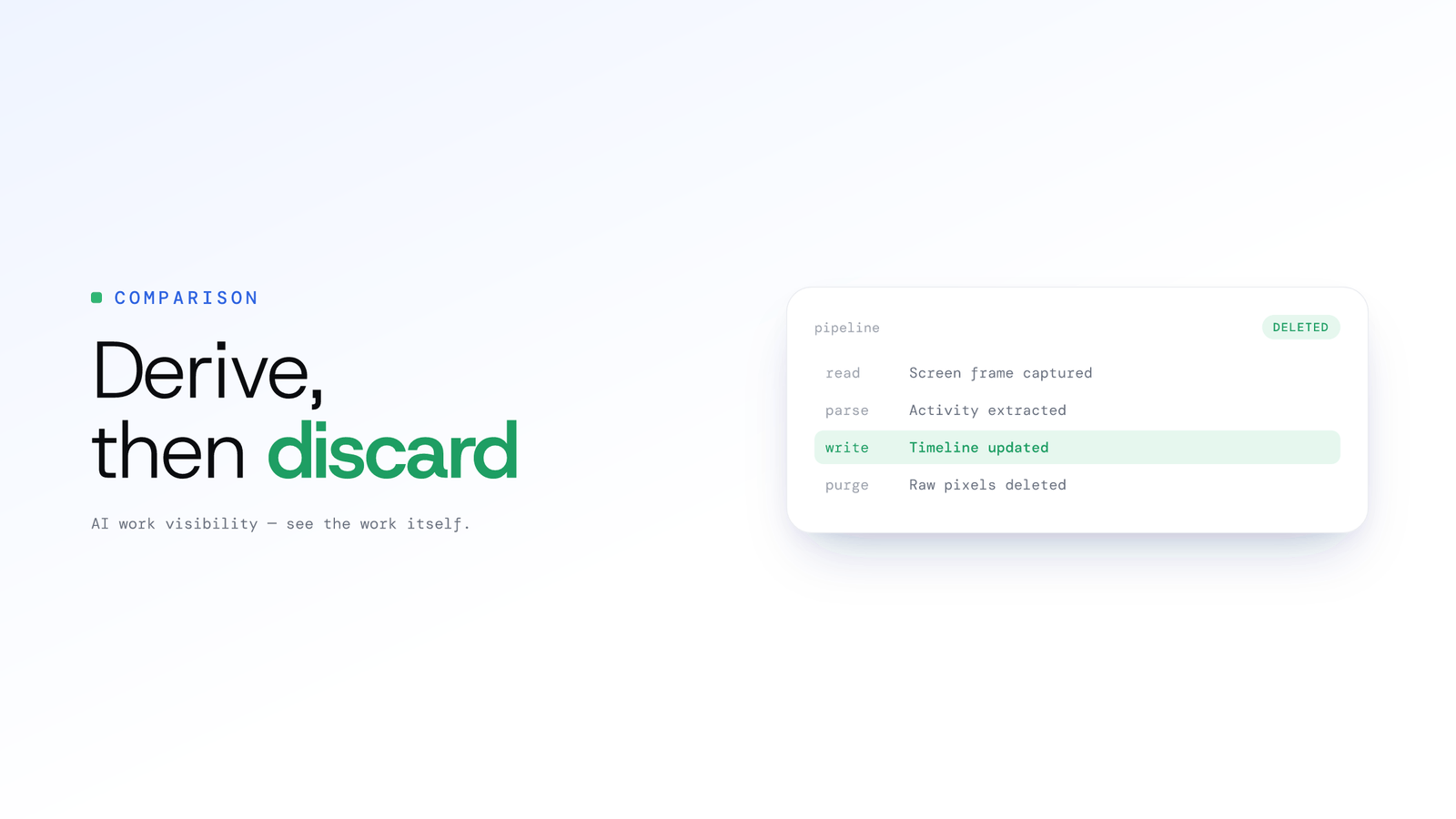
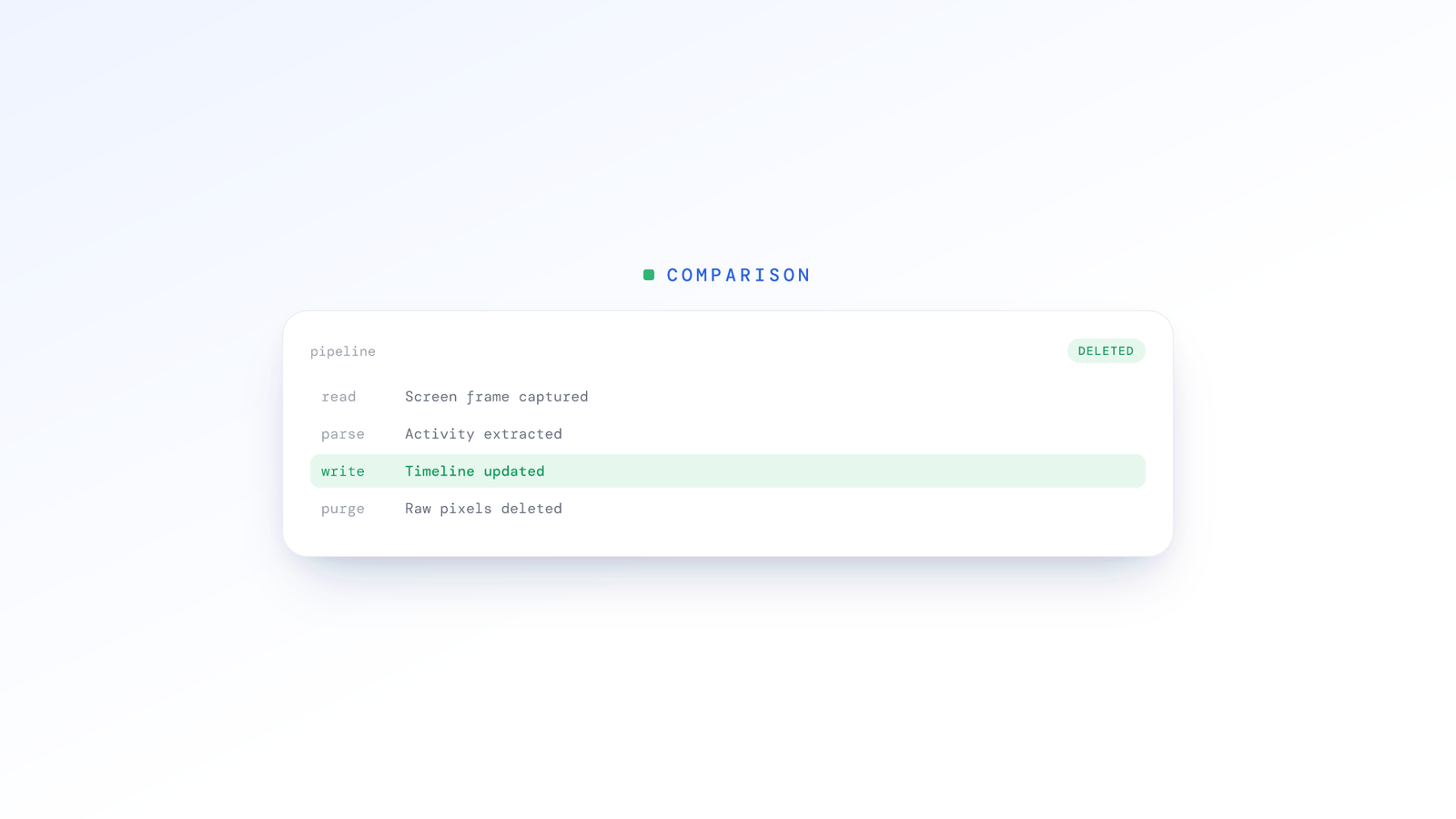
Derive-and-discard changes everything, not by capturing and keeping more, but by understanding better. ScreenJournal reads on-screen work as it happens, turns it into a detailed timeline of what each person actually did, and then, by default, deletes the raw screen data. What is kept is the derived timeline, not footage.
The Screenshot Problem
Gaming the System
Every employee who's been monitored by screenshots knows the game:
- The productive tab stays ready - Keep a spreadsheet or document open, switch to it every few minutes
- Time the captures - Some tools are predictable; employees learn the rhythm
- Stage the screen - Right before the likely capture time, display "busy" work
The result: Screenshots show productive activity. Reality tells a different story.
Context Gaps
Even honest employees suffer from screenshot monitoring's fundamental flaw: moments don't tell stories.
A screenshot captures:
- An open application at one instant
- A paused video that might be training content
- A chat window that might be client communication
A screenshot doesn't capture:
- The 5 minutes of YouTube before and after
- Whether that video was actually playing
- Whether that chat was work or personal
The Review Burden
Who actually looks at thousands of screenshots?
For a team of 50 employees, 8 hours a day, screenshots every 10 minutes:
- 2,400 screenshots per day
- 12,000 screenshots per week
- 48,000+ screenshots per month
No manager reviews this. The screenshots exist; the insights don't. And the pile keeps growing: this is the screenshot archive problem, a store of sensitive images that nobody reads but everyone is liable for.
The Derive-and-Discard Approach
From Moments to Meaning
Reading the full workday sounds like it should mean keeping the full workday. It doesn't. The innovation isn't capture, we've had ways to capture the screen for decades.
The innovation is derive-and-discard: read the screen as it happens, extract what actually occurred, then, by default, delete the raw screen data during processing.
Instead of storing hours of footage for humans to (never) review, an AI model reads the screen and understands:
- Application patterns: Not just "Excel was open" but "45 minutes in Excel with active editing, 20 minutes idle"
- Focus periods: When did deep work happen? When did distraction creep in?
- Transition patterns: Does this person context-switch 50 times an hour or maintain focus blocks?
- Presence: Is the screen changing with real work, or sitting idle while "working"?
Why Derive-and-Discard Changes Everything
1. No Gaming Possible
You can stage a screenshot. You cannot stage a full day of work read second by second.
The AI model sees:
- The productive tab that was open for 30 seconds before switching back to social media
- The "work document" that had zero keystrokes for two hours
- The pattern of switching to work apps at predictable intervals (suspicious behaviour itself)
When employees know the full picture is read, behaviour changes. Not through fear, through understanding that honest work will be recognised.
2. Complete Context
The timeline connects the dots across the entire day:
| Screenshot Shows | The Derived Timeline Reveals |
|---|---|
| Chrome open | 3 hours browsing, 40 minutes work-related |
| Slack visible | Active in 2 work channels, 4 hours in social channels |
| IDE open | Deep focus coding blocks averaging 90 minutes |
| Video playing | 30 min video streaming, 2 hours training videos |
The timeline doesn't judge "Chrome is open", it captures "This person spent their day doing X, Y, Z with these focus patterns."
3. Patterns Over Moments
Single screenshots are useless for understanding productivity. Patterns tell the real story:
Screenshot approach:
"At 2:47 PM on Tuesday, this employee had a social network open."
Derived timeline approach:
"This employee averages 4.2 hours of focused work daily, with peak productivity 9-11 AM. They show 45 minutes of social media usage, typically during natural break periods. Their productivity score is 78%, above the team average."
Which information is actually useful for management?
How ScreenJournal Works
ScreenJournal is an AI work visibility tool that reads on-screen work as it happens, turns it into a detailed timeline of what each person actually did, and then, by default, deletes the raw screen data. Timelines accumulate into a searchable chronicle of everyone's work history, and from them ScreenJournal generates timesheets and reports automatically and drafts standup summaries on request, answering questions about any of it in plain English.
Those accumulated timelines form a lasting work chronicle you can search long after the raw screen data is gone.
Reading
ScreenJournal reads screen activity continuously across all displays:
- Works across whatever quality your displays run at
- Multi-monitor support
- Minimal system impact
- Raw screen data deleted during processing by default
Analysis
Frontier AI models read the screen to extract:
Per day, per person:
- Total tracked time and Productivity (%)
- Focus: how much of the tracked time was active
- App switches and top app
- First login, last logoff, paused and offline time
Per segment:
- What was being done, in which app, on which site or document
- A productivity rating (Productive, Neutral, Low, Distraction)
- Away time with no keyboard or mouse input
- Suspected mouse-jiggler activity, flagged for review
Across the team:
- Attendance against the working calendar
- Productivity bands and app usage
- Alerts against rules you write yourself
Insight Delivery
The derived timeline turns analysis into actionable output:
Productivity (%): A transparent figure: weighted productive hours divided by an 8-hour workday (productive counts 1, neutral 0.5, unproductive 0), the same on every page and in every export, and correctable by an admin.
Overview, Ranking and Reports:
- Team KPIs for any day, week or month
- The weekly league table with an AI-written summary per member
- Downloadable Excel workbooks with a live preview
What Managers DON'T Get:
- Screenshot galleries to scroll through
- Keystrokes or message content
- Surveillance-style reports
Privacy: Better Than Screenshots?
Counterintuitively, derive-and-discard can be more private than screenshot monitoring:
Screenshot Monitoring Privacy Issues
- Screenshots capture actual content (documents, messages, personal info)
- Screenshots are stored indefinitely as files
- Humans review screenshots, seeing everything displayed
- No way to separate "pattern data" from "content data"
Derive-and-Discard Privacy Advantages
- The AI extracts what happened, not the content on screen
- Raw screen data is deleted during processing by default; no footage archive is kept unless a manager opts in to keep video evidence (Evidence Mode), stored for up to 3 months
- Humans see the derived timeline, not footage
- By default, screen content never leaves the analysis pipeline
The paradox: reading everything, keeping only the derived timeline, and deleting the raw screen data reveals less personal information than random screenshots reviewed by humans.
Making the Switch
For Organisations Using Screenshots
Week 1-2: Run ScreenJournal alongside existing tools
- Compare insights generated
- Identify what screenshots missed
- Build confidence in AI analysis
Week 3-4: Transition
- Disable screenshot tool
- Full ScreenJournal deployment
- Communicate change to team
Week 5+: Optimise
- Calibrate based on first reports
- Adjust policies as needed
- Measure productivity impact
For Organisations Starting Fresh
Skip the screenshot phase entirely. Derive-and-discard provides:
- Better accuracy from day one
- More actionable insights
- Less management overhead
- Higher employee acceptance
Frequently asked questions
Is screen recording more accurate than screenshots for employee monitoring?
Yes. Screenshots capture isolated moments that are easy to game and miss context, so they misrepresent a workday. ScreenJournal reads the screen as short-lived video, derives a timeline of what actually happened, then by default deletes the raw screen data. You get accurate patterns instead of a pile of disconnected images nobody reviews.
Why is screenshot monitoring inaccurate?
Screenshot monitoring is inaccurate because a single frame every few minutes shows a moment, not a story. Employees learn the capture rhythm and stage productive-looking screens, and honest work gets misjudged too. A paused video or open document at one instant tells you nothing about the hours around it.
What is the AI screen recording alternative to screenshots?
The alternative is derive-and-discard. ScreenJournal records the screen as short-lived video, an AI reads what actually occurred, and by default the raw screen data is deleted during processing. What is kept is the derived timeline, not footage, giving managers accurate work visibility without an archive of sensitive images.
Does ScreenJournal store or let managers watch screen recordings?
Not by default. The screen is recorded as short-lived video, the work is read from it, and the video is deleted during processing, so managers see the derived timeline, not footage. Where a manager needs video evidence they can opt in to keep the recordings for the organisation or a team, and those recordings are stored for up to 3 months. Meeting audio is a separate, optional case: off by default, and where an organisation turns it on, transcripts and playback appear on the Audio page for the people allowed to see them.
The Future is Understanding, Not Watching
Screenshot monitoring was built on a surveillance mindset: capture moments, catch people.
Derive-and-discard is built on an intelligence mindset: understand patterns, keep only the derived timeline, improve outcomes.
The shift isn't about capturing and keeping more, it's about seeing work more clearly while serving both organisational needs and employee dignity.
Stop guessing. Start knowing.
Let AI turn screen data into clear insights. Start your 2 months free trial
Related Posts
Spotting Employee Burnout Early From Work Patterns
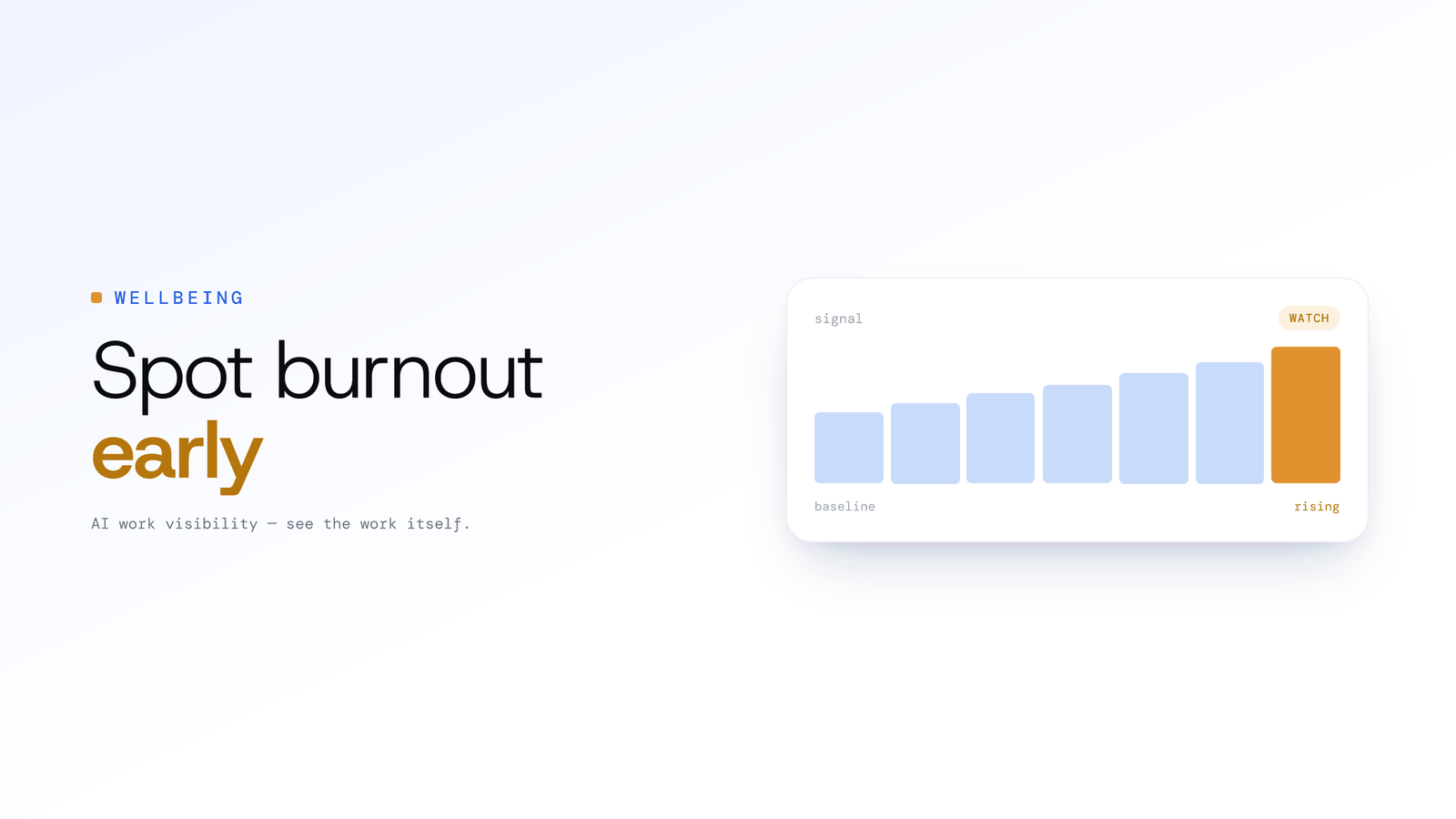
Burnout rarely announces itself, but overwork leaves a trail in work patterns: creeping hours, after-hours activity and eroding routines. Here is how managers can read those signals early and respond with support.
How to Cut Daily Standup Time in Half Without Losing Context
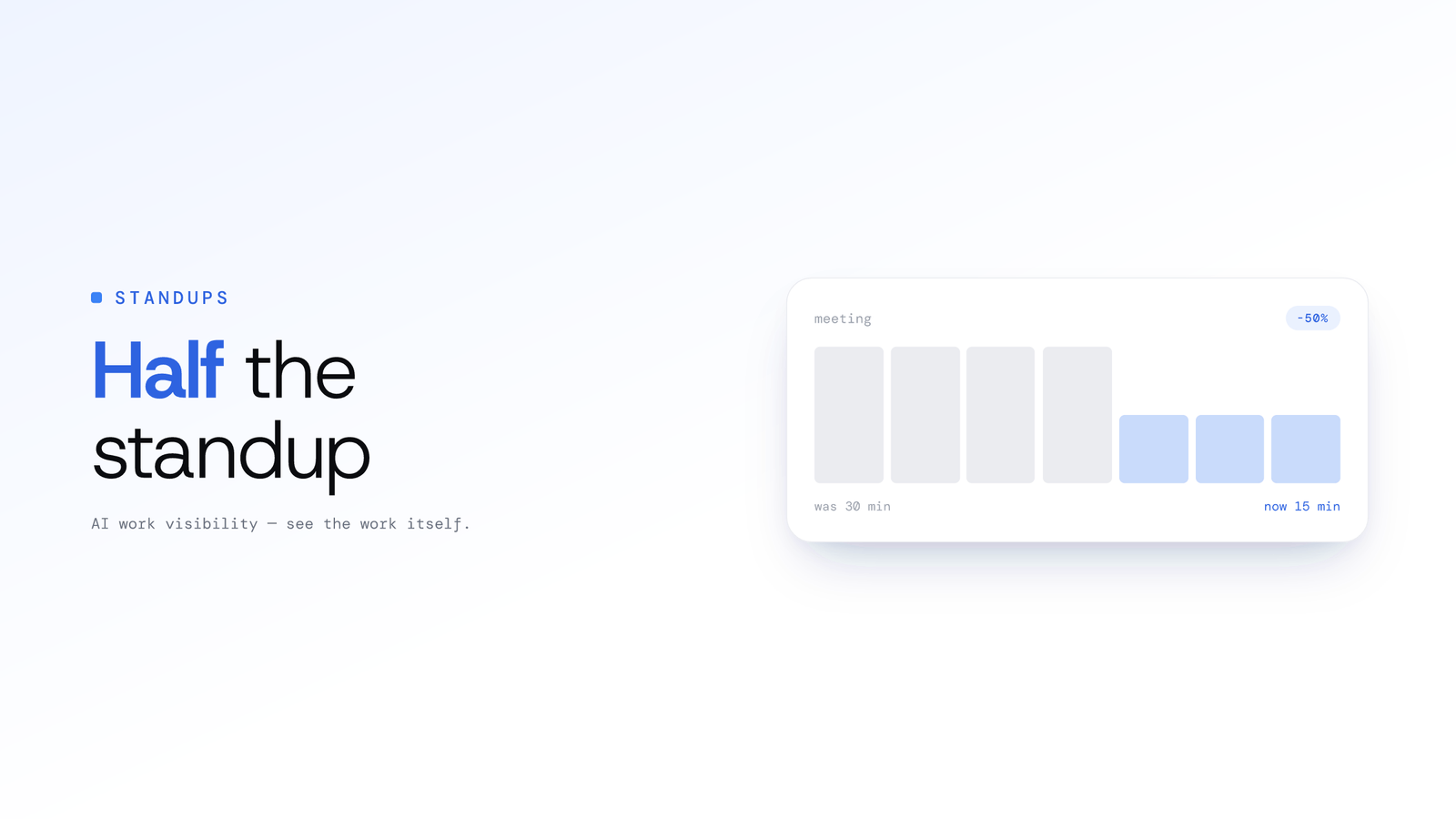
Cut daily standup time in half with three approaches: asynchronous updates, automated summaries from real work, and a hybrid model that keeps context intact.
How AI Voice Analysis Transforms Call Centre QA
Manual QA reviews 2-5% of calls. ScreenJournal puts 100% of them on record, transcribed, searchable and beside the screen timeline, so coaching is based on an agent's full record, not a random sample.