Spotting Employee Burnout Early From Work Patterns
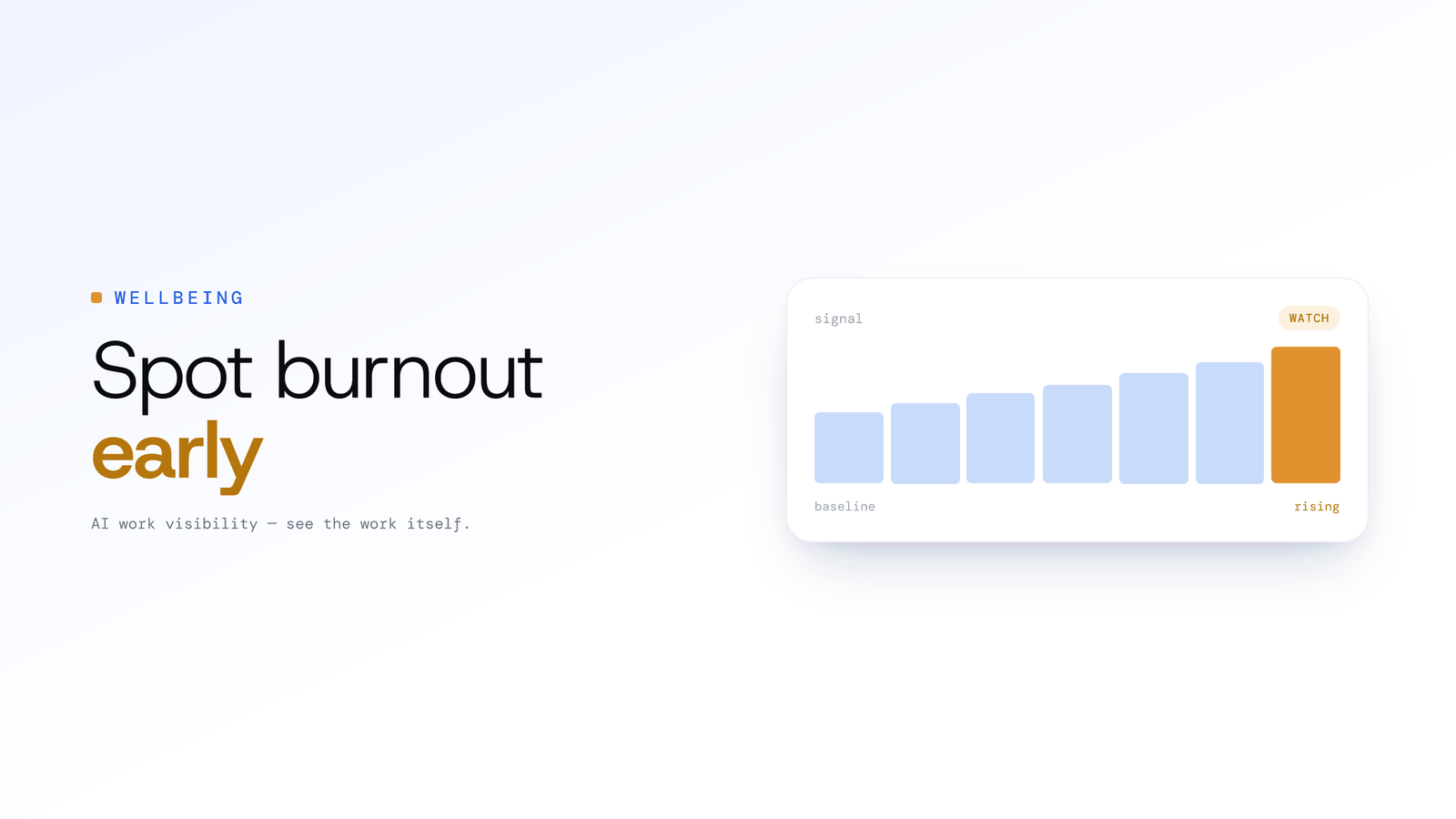
Burnout rarely announces itself, but overwork leaves a trail in work patterns: creeping hours, after-hours activity and eroding routines. Here is how managers can read those signals early and respond with support.
Spotting Employee Burnout Early From Work Patterns
Updated on 8 July 2026
By the time someone says "I'm burned out," the strain has usually been building for weeks or months. The resignation letter, the medical leave, the quiet decline of a once-reliable colleague: every manager who has watched it happen asks the same question afterwards. Why did I not see it sooner? Often the early signs were there, in work patterns that are easy to miss day to day but visible when you look at the trend.
ScreenJournal is an AI work visibility tool that reads on-screen work as it happens, turns it into a detailed timeline of what each person actually did, and then, by default, deletes the raw screen data. Timelines accumulate into a searchable chronicle of everyone's work history, and from them ScreenJournal generates timesheets and reports automatically and drafts standup summaries on request, answering questions about any of it in plain English.
Why burnout is hard to catch in time
Burnout rarely announces itself, and the signals managers usually rely on arrive late. A direct complaint, a visible drop in performance, a spike in sick days, a notice period: by the time any of these appears, the response is recovery rather than prevention. Day-to-day observation also misses slow change. A person working a little later each week, or context-switching a little more each day, looks fine in any single moment. The pattern only becomes obvious once you step back and look across weeks.
The work patterns that can signal overwork
No single metric proves burnout, but a few patterns turn up often enough to be worth a supportive conversation. Read them as prompts, never as verdicts.
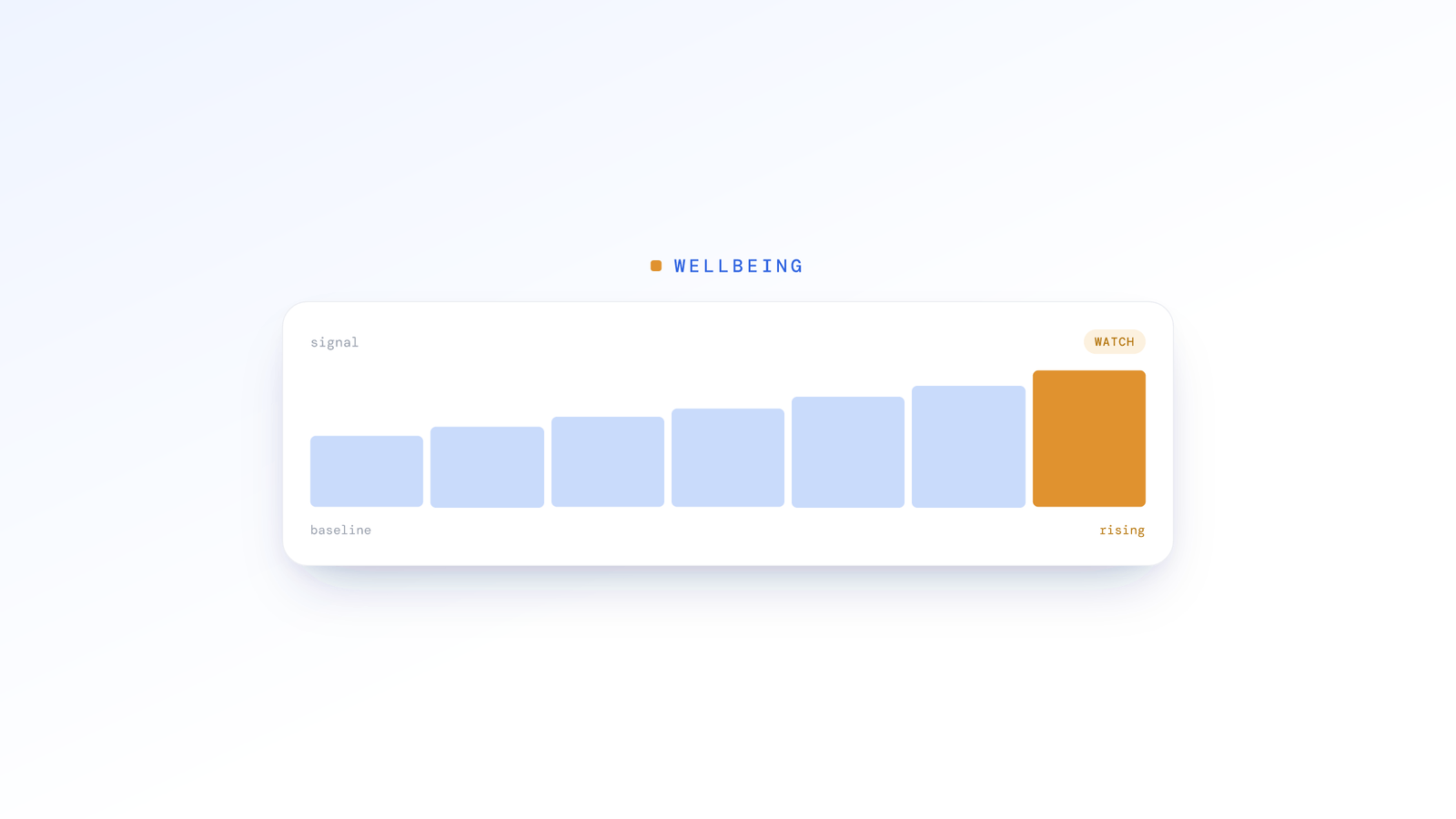
Creeping hours. Hours that edge up week after week, with more late nights and the odd weekend, are one of the clearest early signals. What reads to a manager as admirable dedication ("always online late") can be an unsustainable trajectory. Seeing the trend, rather than a single busy week, is what makes it useful:
| Week | Hours logged | After-hours activity |
|---|---|---|
| Week 1 | 42 | Occasional |
| Week 2 | 46 | A few late nights |
| Week 3 | 51 | Most nights |
| Week 4 | 55 | Nightly, plus weekend |
A trend like this is a reason to ask how someone is doing, not evidence of anything on its own.
Declining focus. Burnout often shows up as fragmented attention before it shows up in output. Concentrated blocks get shorter and context switching climbs. Output may hold steady for a while because the person is working harder to compensate, which is exactly what makes the cost easy to miss.
Eroding routines. A start time that drifts later, more mid-day gaps, irregular finish times: when someone's normal rhythm starts to slip, it can be an early sign they are struggling to keep up, well before anything shows in results.
The productivity plateau. Sometimes the numbers look fine and the strain is hidden underneath. Someone keeps hitting targets, but needs noticeably more hours and after-hours effort to do it. Steady output bought with rising hours is not a healthy plateau; it is someone running faster to stay in place.
How ScreenJournal surfaces these patterns
ScreenJournal builds these patterns from the work itself, primarily on-screen activity and, for roles where spoken work is part of the job, transcribed calls, so the trend is grounded in what actually happened rather than a hunch. Rather than a live feed to watch, workload trends surface on the weekly Ranking and Overview, which show whose hours and attendance are shifting week over week. That cadence is deliberate: burnout is a pattern over time, so a weekly view beats a real-time dashboard for spotting it and for managing without micromanaging.
The underlying record is the work timeline ScreenJournal writes for each person: it reads on-screen work as short-lived video, notes what was done, and by default deletes the raw screen data during processing. Personal activity is skipped in real time and PII is removed during processing, so what a manager sees is the shape of the workload, not someone's private life.
What ScreenJournal does not do
ScreenJournal reads work, not people, and it does not diagnose burnout. It can show that a pattern looks concerning; it cannot tell you why, and it never tries to. It does not infer health, read personal life, or assign a wellbeing label. A flagged pattern is a starting point for a human check-in, never a conclusion. Scores are contestable, so anyone can challenge a number they think is wrong, and nudges are off by default, so the tool prompts a conversation rather than nagging an employee. Employees see the same view their manager does. If you want the fuller picture of how this works, we set it out in we record work, not people.
Responding to the signals
When a pattern suggests someone may be under strain, the goal is support, not confrontation.
Lead with care, not the data:
Avoid: "The system says you're working too much. What's going on?"
Better: "I've noticed you've been putting in a lot of extra hours lately. I want to make sure you're okay, and see whether there's anything I can take off your plate."
Use the pattern to open a concrete conversation about workload: whether deadlines are realistic, whether one person is quietly covering too much, whether constant interruptions are making focused work impossible. Burnout is frequently systemic rather than personal, and the same patterns that flag an individual often reveal a team under sustained pressure, a project that always needs overtime, or a period in the calendar that reliably overloads everyone.
Sometimes the right response is simply insisting on recovery: real time off, genuinely covered, actually disconnected. Burnout does not resolve through willpower.
One honest limitation
A tool can help you notice; it cannot care for your team. Patterns point you towards a conversation, but the conversation, and the culture around it, is what actually helps. Leaders who model boundaries, workloads that do not depend on heroics, and time off that is genuinely encouraged do more to prevent burnout than any signal can. ScreenJournal is built to support that work, with contestable scores, nudges off by default and employees seeing what managers see, not to replace it.
Frequently asked questions
What are the early warning signs of employee burnout in work patterns?
Common early signs are creeping hours, more frequent after-hours and weekend activity, longer stretches without time off, and eroding routines such as a first-login time that keeps drifting later. Falling focus, with shorter concentrated blocks and more context switching, can also show up before output drops. None of these is proof, only a prompt to check in.
Can software detect burnout from workload data?
Not on its own. Workload data can surface patterns that often accompany overwork, such as rising hours and after-hours activity, but a pattern is not a diagnosis. Software can point a manager to someone who may be under strain and prompt a supportive conversation; only that conversation can tell you what is really going on and why.
How can managers spot burnout early without micromanaging?
Watch weekly patterns, not moments. ScreenJournal surfaces workload trends on its weekly Ranking and Overview, which show whose hours and attendance are shifting, so managers act on a pattern over time rather than watching a live feed. Scores can be corrected by an admin, nudges are off by default, and employees see the same view, which keeps the focus on support.
Does ScreenJournal diagnose burnout or track health?
No. ScreenJournal reads work, not people. It surfaces workload patterns that may be worth a conversation, but it does not diagnose burnout, infer health or read personal life. Personal activity is skipped and PII is removed during processing, scores can be contested, and any flagged pattern is a starting point for a human check-in, never a verdict.
Stop guessing. Start knowing.
Let AI turn screen data into clear insights. Start your 2 months free trial
Related Posts
Why Weekly AI Reports Beat Real-Time Dashboards
Dashboards promised visibility and delivered data overload. Here is why a weekly view that reads the week for you, built around ScreenJournal's Ranking and Overview, changes how managers actually manage.
Screenshots vs Derive-and-Discard: A Better Way to See Work
Random screenshots were the best we had. Reading the screen, keeping the derived timeline, and deleting the raw screen data is what we actually needed. Here's why the shift matters for accurate work visibility.
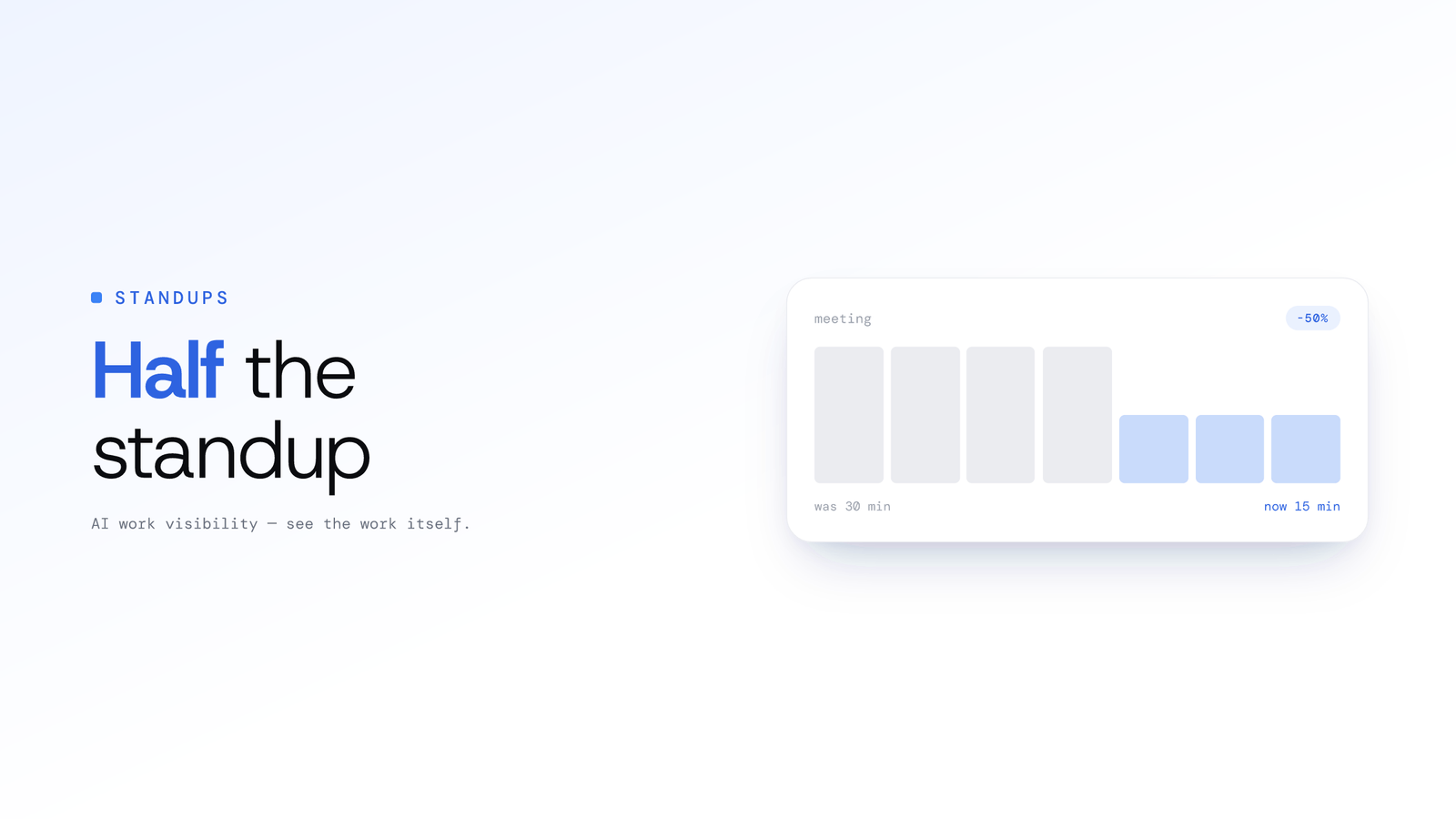
How to Cut Daily Standup Time in Half Without Losing Context
Cut daily standup time in half with three approaches: asynchronous updates, automated summaries from real work, and a hybrid model that keeps context intact.