Privacy-First Productivity Tracking - Better Insights, Less Creepiness
Explore what privacy-first productivity tracking should look like for freelancers and individuals who want insight without digital overreach.
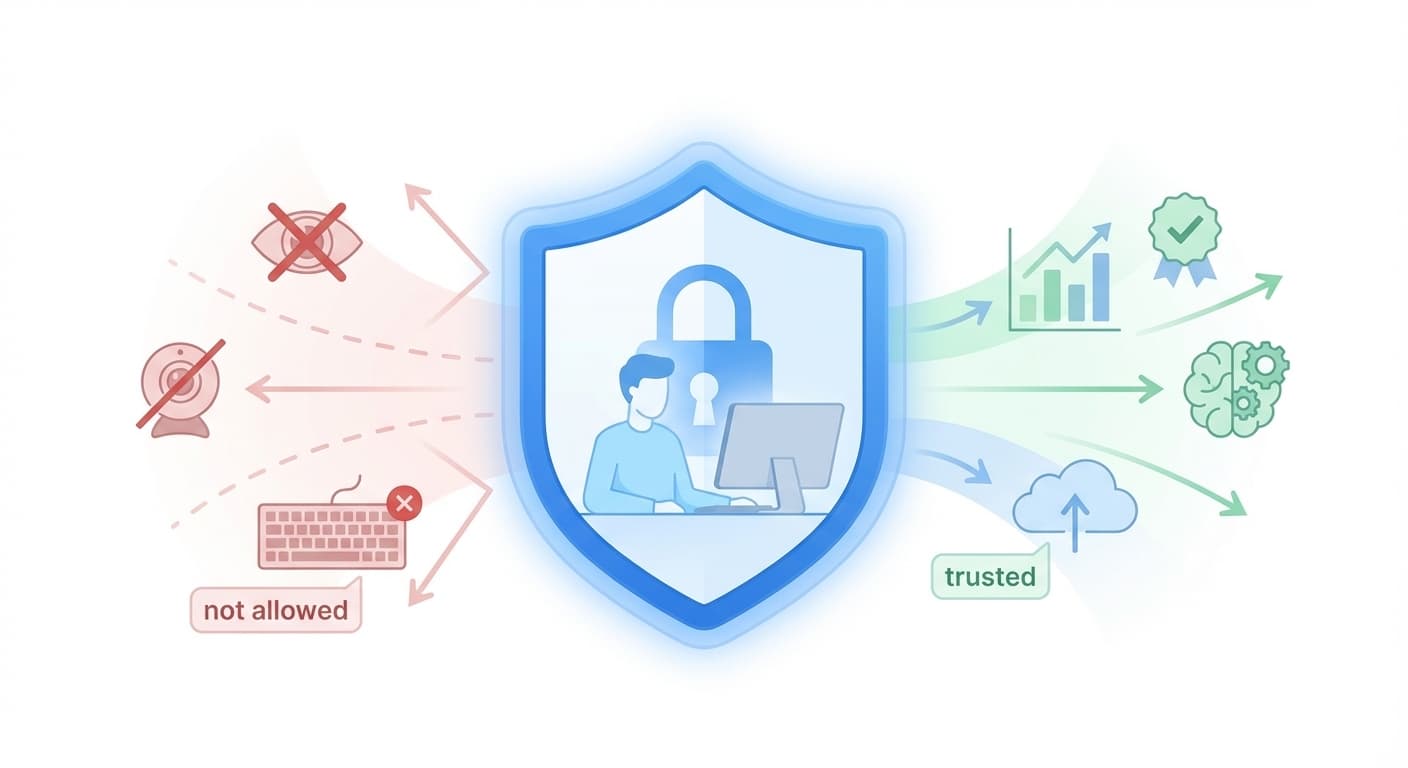
Privacy-First Productivity Tracking
Most productivity tools talk about insight.
Too many of them collect data like they are building an archive first and a product second.
That is the wrong trade-off.
If a product is meant to help you work better, it should not require you to surrender more of your digital life than necessary.
What Privacy-First Should Mean
Privacy-first does not mean "we collect everything, but promise to be careful."
It means:
- collect the minimum useful data
- be explicit about what is being analyzed
- avoid storing sensitive raw material longer than needed
- give the user clarity and control
That is the standard we think productivity software should meet.
The Difference Between Insight and Intrusion
There is a big difference between:
- understanding that you spent too much time context switching
- storing a permanent gallery of everything that was on your screen
The first is helpful. The second is invasive.
Good productivity tracking should focus on patterns such as:
- focus blocks
- app usage trends
- timing and rhythm
- overtime creep
- interruption patterns
It should avoid turning your private digital life into an archive.
What ScreenRecord Is Designed to Analyze
ScreenRecord focuses on signals like:
- when you are doing deep work
- how often your attention breaks
- which tools dominate your day
- whether your schedule is becoming erratic
Those signals are enough to generate useful coaching.
They are also much safer than storing endless literal captures.
What Privacy-First Tracking Should Not Depend On
A privacy-first product should not need to preserve:
- the text of your messages
- the content of your documents
- passwords
- financial information
- a searchable playback history of your life
The more literal content a tool keeps, the more trust it asks you to hand over.
Why Data Minimization Matters
Data minimization is not just a legal idea. It is a product design principle.
If the goal is to help you improve your work habits, the product should ask:
What is the smallest amount of data needed to create a useful weekly insight?
That question tends to produce better systems:
- less storage
- less risk
- less anxiety
- clearer product boundaries
A Better User Experience
Privacy-first design also improves the emotional experience of using the product.
You should feel like:
- the system is helping you reflect
- the boundaries are clear
- the product is not trying to catch you out
You should not feel like:
- you are being watched
- your worst moment will be preserved forever
- every open window is part of some giant case file
Practical Rules for Privacy-First Productivity Software
If you are evaluating a tool, ask:
- What exactly gets stored?
- For how long?
- Is the product built around summaries or archives?
- Can I understand what is being measured?
- Does the product need all this data to be useful?
Those questions cut through a lot of vague privacy claims very quickly.
The Goal
The best productivity software should help you understand yourself without asking you to normalize digital overreach.
That is the standard we use for ScreenRecord:
- patterns over raw footage
- insight over archives
- usefulness over voyeurism
Want a productivity tool that respects your boundaries? ScreenRecord is built to help you learn from your work without turning your screen into a permanent record.
Ready to understand your work habits more clearly?
Related Posts
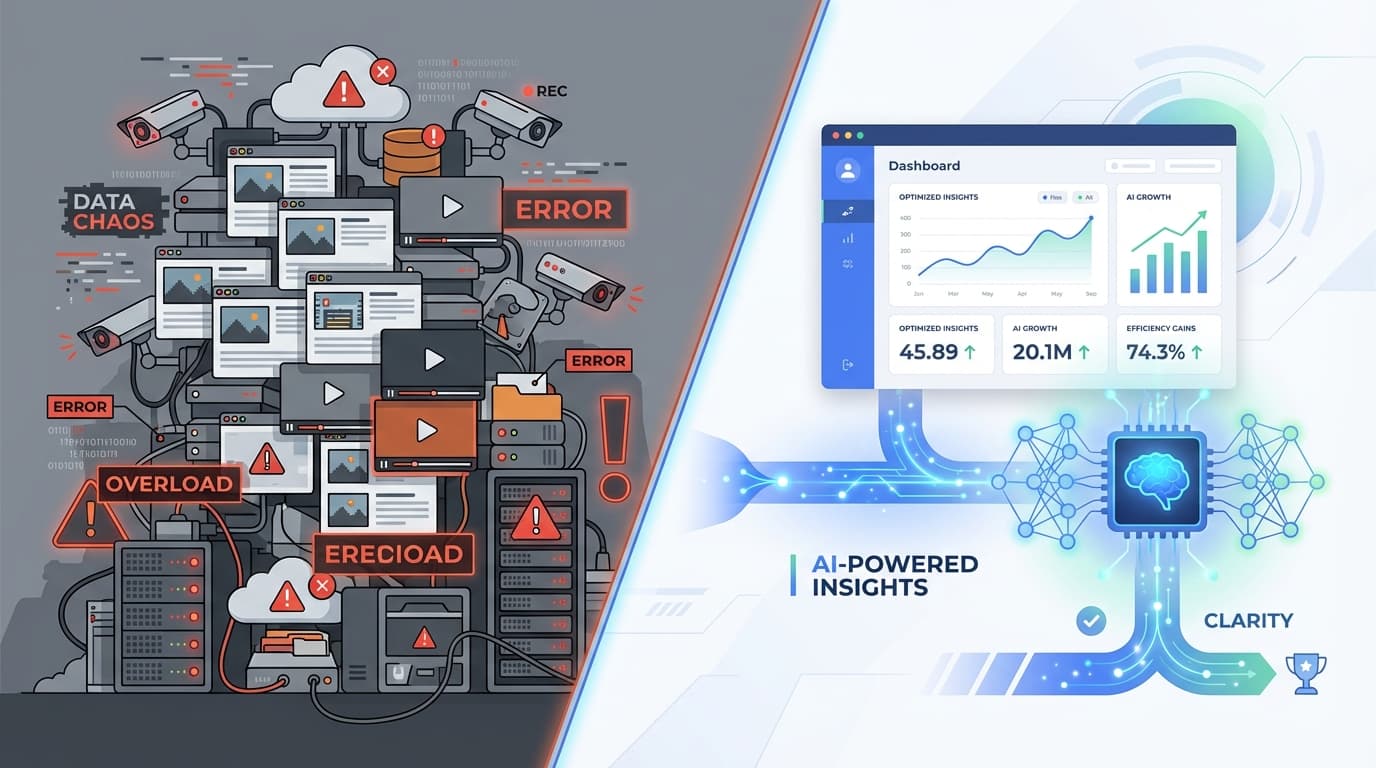
Digital Hoarding vs. Digital Insight - Stop Saving More Than You Need
Learn why storing endless screenshots and video is the wrong way to understand your work, and why metadata-first analysis is better.
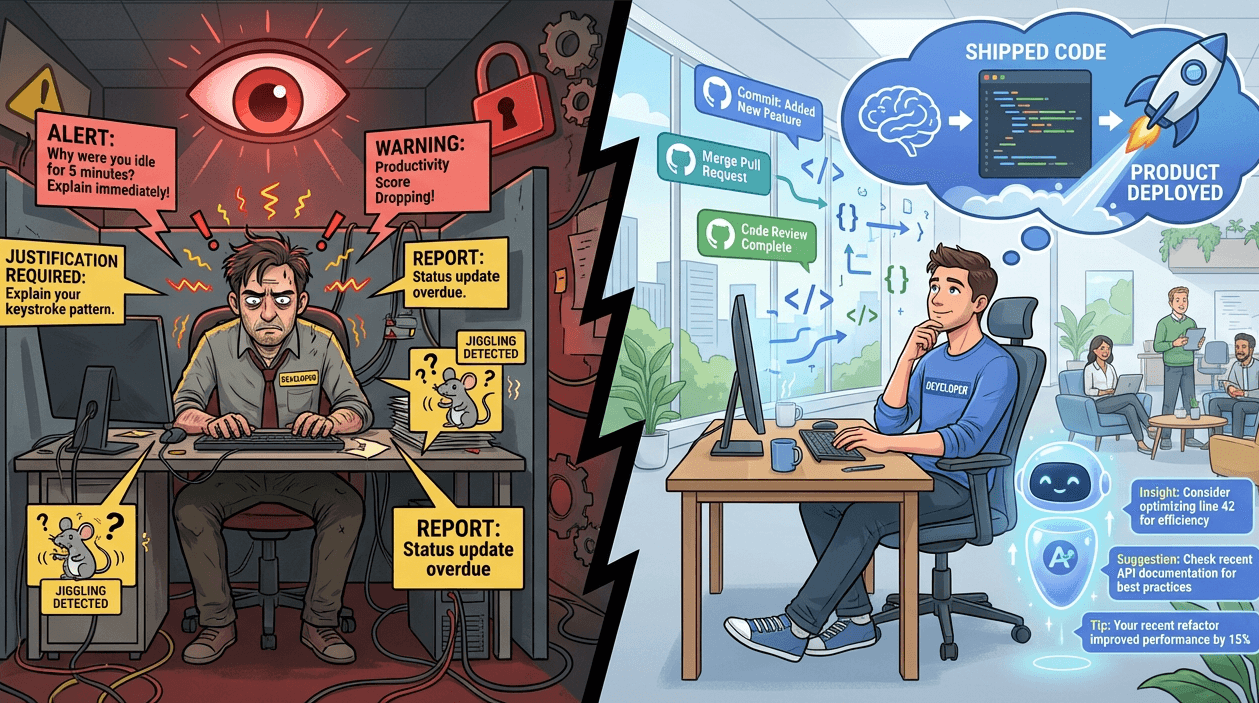
ScreenRecord vs. TimeDoctor: Micromanagement vs. Autonomy
TimeDoctor is built around idle time and activity scores. ScreenRecord is built around context, focus, and usable personal feedback.
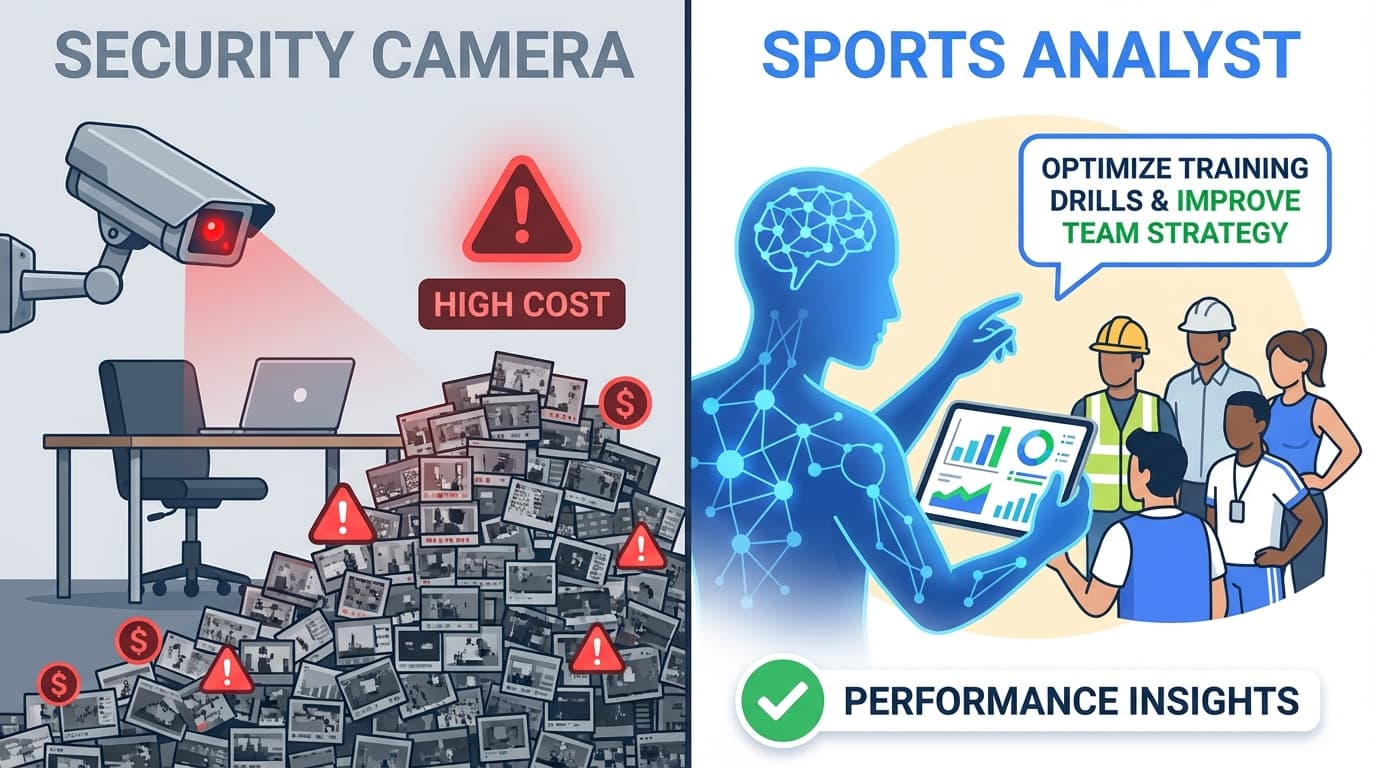
ScreenRecord vs. Hubstaff: Screenshot Tracking vs. Personal Insight
Hubstaff is built around screenshots and activity percentages. ScreenRecord is built around weekly interpretation, privacy, and focus patterns.