ScreenRecord vs. TimeDoctor: Micromanagement vs. Autonomy
TimeDoctor is built around idle time and activity scores. ScreenRecord is built around context, focus, and usable personal feedback.
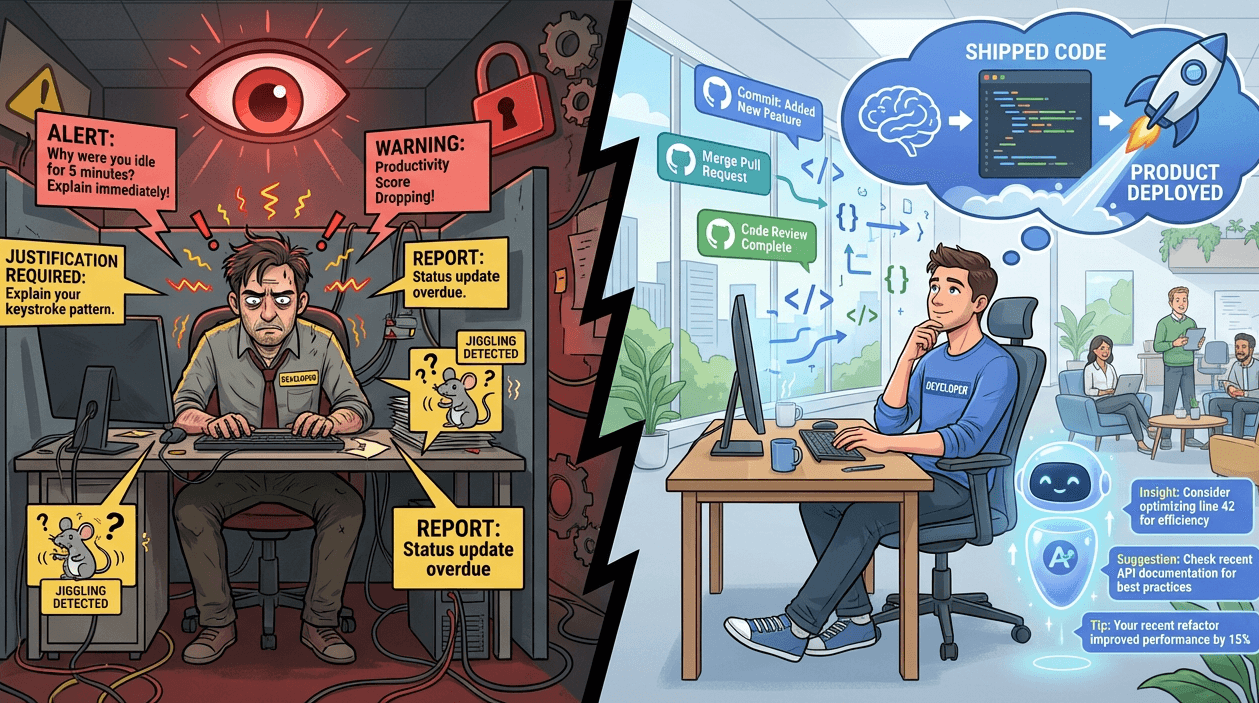
ScreenRecord vs. TimeDoctor: Micromanagement vs. Autonomy
TimeDoctor comes from a simple assumption:
more visible activity means more productive work.
That assumption falls apart the moment your work involves thinking, debugging, reading, designing, or solving hard problems.
The Idle Time Problem
Many traditional trackers treat stillness as failure.
But in real knowledge work, stillness can mean:
- reading docs
- thinking through architecture
- debugging a nasty problem
- sketching a flow before implementing it
If a tool cannot distinguish between "inactive" and "thinking," it will train you to look busy instead of work well.
What TimeDoctor Optimizes For
TimeDoctor is strongest when you want:
- timer-style tracking
- activity percentages
- idle time alerts
- a highly literal record of visible work
That can be useful in some contexts.
It is much less useful if your goal is to improve deep work, reduce context switching, or understand creative and technical effort.
What ScreenRecord Optimizes For
ScreenRecord is designed around different questions:
- when were you actually focused?
- what kept breaking your attention?
- are you doing good work or just reactive work?
- are your habits improving or drifting?
That makes it a better fit for freelancers, developers, designers, and other knowledge workers.
Activity Scores vs. Context
A high activity percentage can still hide a bad day.
Examples:
| What a simple tracker sees | What may actually be happening |
|---|---|
| constant mouse movement | frantic context switching |
| high app activity | reactive work with no deep focus |
| low keyboard input | research, debugging, or thinking |
Context matters more than movement.
That is the main philosophical difference between the tools.
Why Autonomy Matters
When a tool behaves like a hall monitor, people adapt in weird ways.
They start:
- nudging the mouse to avoid idle labels
- optimizing for appearance
- feeling watched instead of helped
That is bad product design for anyone trying to do serious work.
ScreenRecord is built to coach, not police.
Which One Should You Use?
Choose TimeDoctor if:
- you mainly want timer and activity-based tracking
- you are comfortable with a more literal oversight model
- keyboard and mouse activity are meaningful for your workflow
Choose ScreenRecord if:
- you care about focus quality, not just active time
- your work includes thinking, writing, designing, coding, or research
- you want weekly insight, not constant self-checking
- privacy and autonomy matter to you
The Short Version
TimeDoctor measures visible activity.
ScreenRecord tries to understand work patterns.
If you want a personal productivity tool for knowledge work, that difference is the whole game.
Ready to stop measuring busyness and start understanding how you work? ScreenRecord is built for autonomy, context, and better weekly feedback.
Ready to understand your work habits more clearly?
Related Posts
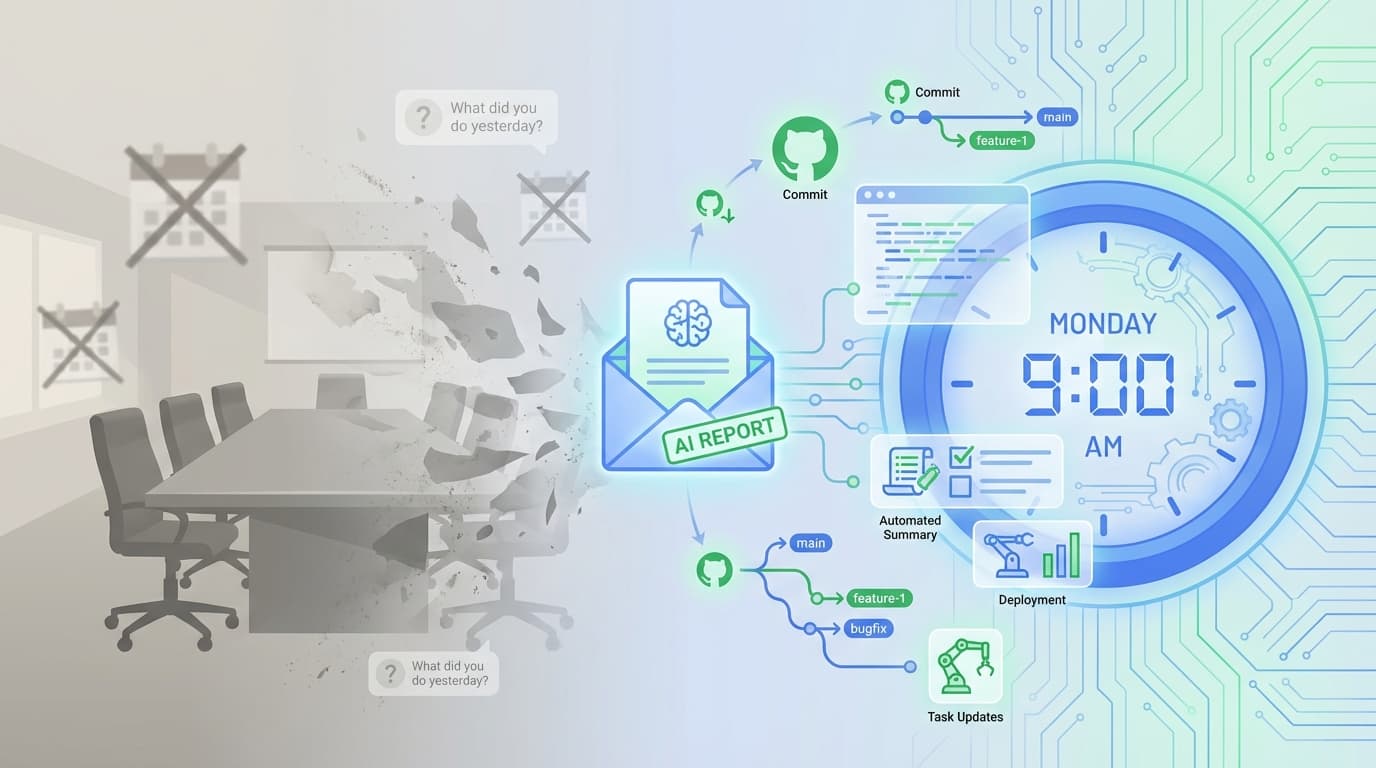
The Death of the Daily Standup - Why Daily Self-Recaps Are Often Useless
Stop asking yourself "what did I do yesterday?" every morning. Better activity data can replace vague self-recaps with useful context.
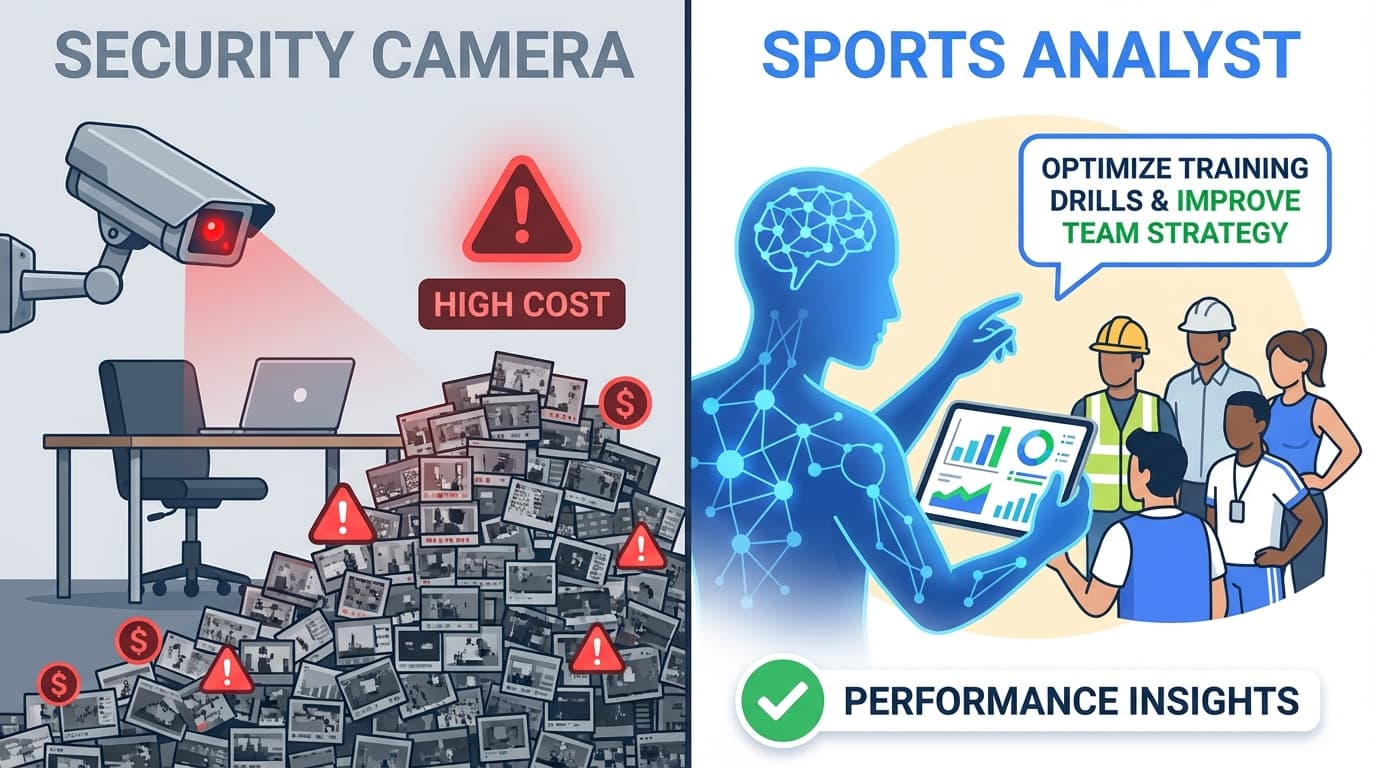
ScreenRecord vs. Hubstaff: Screenshot Tracking vs. Personal Insight
Hubstaff is built around screenshots and activity percentages. ScreenRecord is built around weekly interpretation, privacy, and focus patterns.
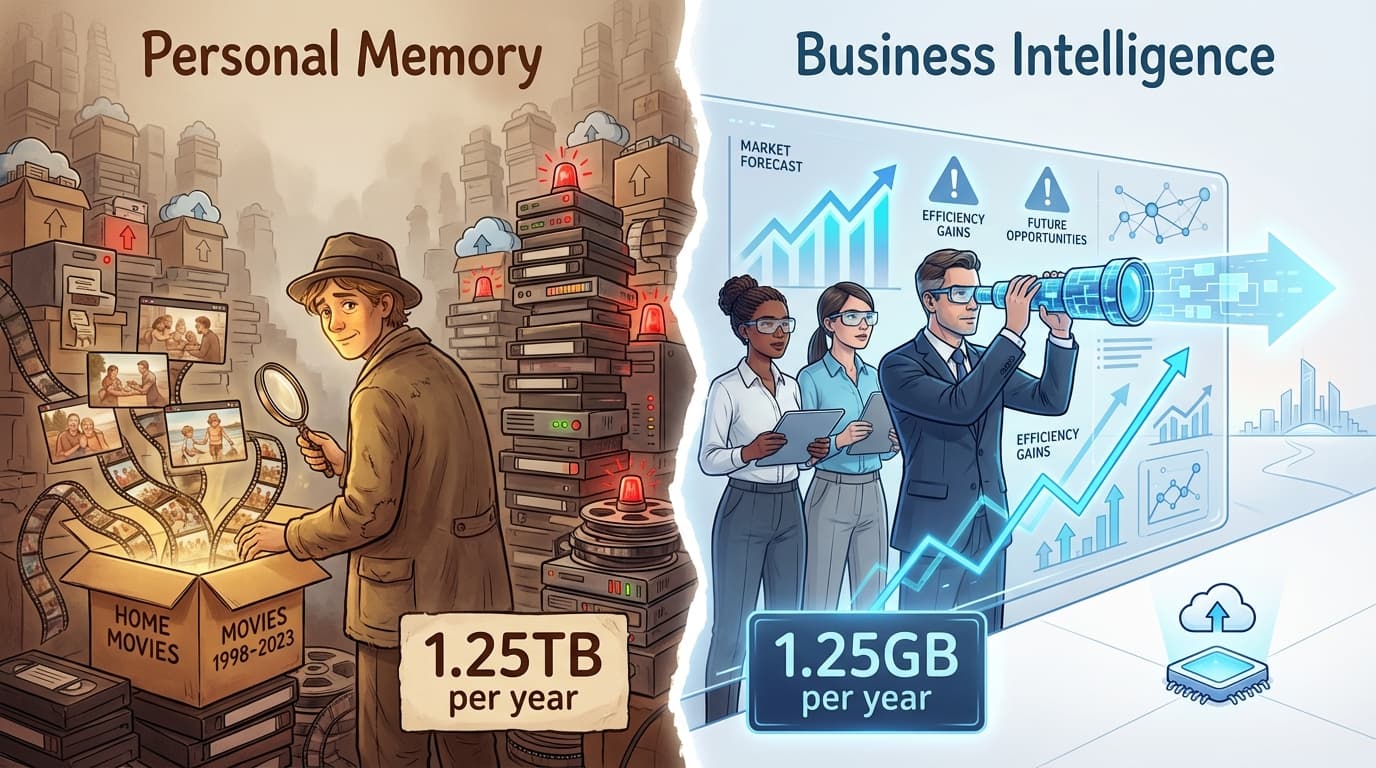
ScreenRecord vs. LifeTrace/Rem: Personal Memory vs. Personal Productivity
Rem and similar tools help you remember what happened. ScreenRecord helps you understand patterns and improve what happens next.