ScreenRecord vs. Hubstaff: Screenshot Tracking vs. Personal Insight
Hubstaff is built around screenshots and activity percentages. ScreenRecord is built around weekly interpretation, privacy, and focus patterns.
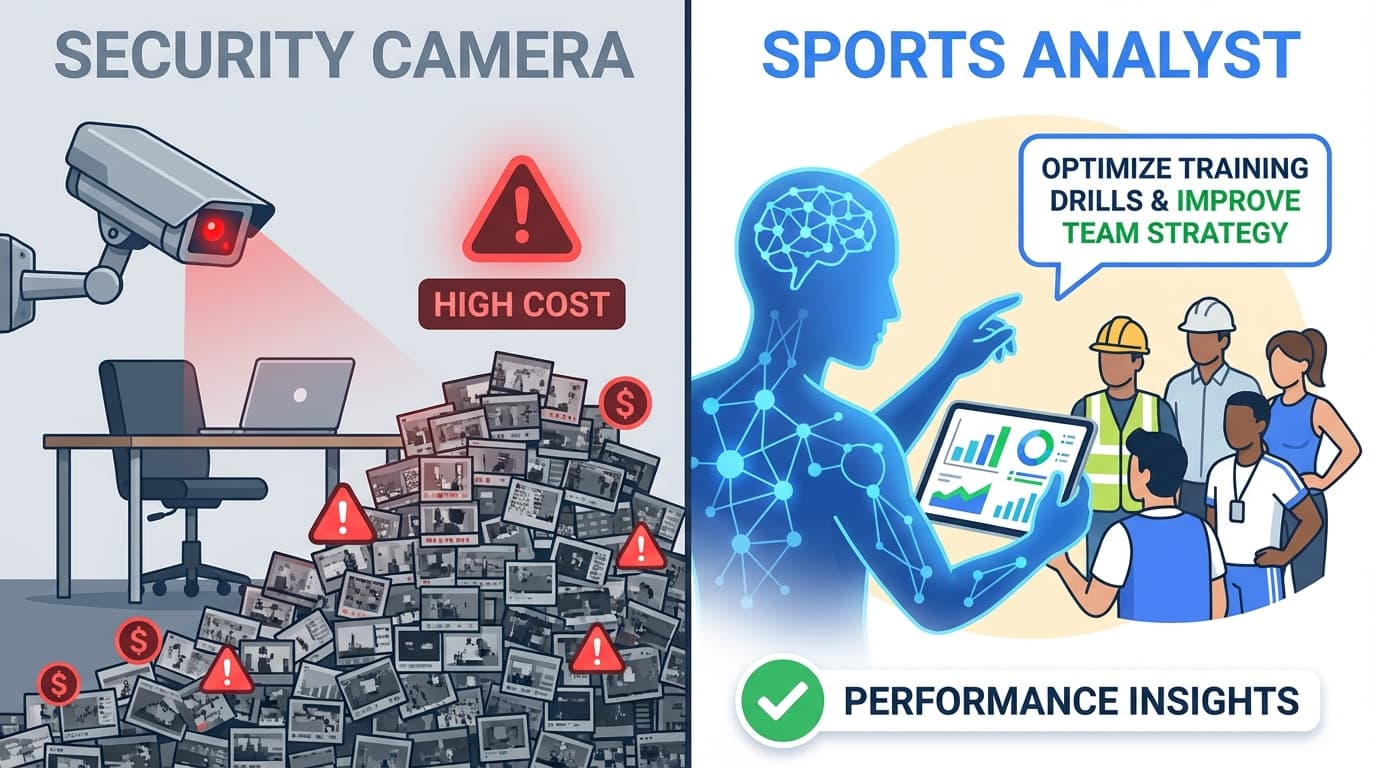
ScreenRecord vs. Hubstaff: Screenshot Tracking vs. Personal Insight
Hubstaff comes from a world where productivity is proven through screenshots, timers, and activity percentages.
ScreenRecord comes from a different idea:
the goal is not to prove that your screen looked busy. the goal is to understand how your work actually happened.
The Core Difference
Hubstaff is strongest when you want:
- manual time tracking
- screenshots
- activity percentages
- simple proof-of-time records
ScreenRecord is strongest when you want:
- weekly AI interpretation
- focus and distraction patterns
- privacy-first analysis
- a clearer sense of how your week behaved
Why Screenshots Are a Weak Feedback Loop
Screenshots create a lot of evidence and very little explanation.
A screenshot can show:
- your editor was open
- Slack was visible
- Chrome was on screen
It cannot reliably show:
- whether you were focused
- whether you were researching or drifting
- whether the day had rhythm or chaos
- what changed from last week
That is why screenshot-heavy tools often feel more invasive than helpful.
What ScreenRecord Tries to Do Instead
ScreenRecord is designed to summarize patterns, such as:
- how long your focus blocks lasted
- when communication tools kept interrupting you
- whether overtime is creeping in
- how much time you spent switching contexts
That gives you something actionable.
Privacy Matters More Than Most Tracking Tools Admit
Every screenshot archive creates risk:
- personal messages may appear
- sensitive documents may appear
- private details may be captured by accident
Even if nobody intends to misuse that data, storing it still increases the privacy cost of using the tool.
ScreenRecord is built around keeping less raw material and more high-level insight.
Which Tool Fits Which Job
Choose Hubstaff if:
- you mainly care about timers and screenshots
- you want simple proof-of-time workflows
- you are comfortable with a more literal tracking model
Choose ScreenRecord if:
- you want to improve how you work, not just log it
- you care about privacy boundaries
- you prefer summaries over screenshot galleries
- you want coaching signals instead of busywork optics
The Short Version
Hubstaff is closer to activity proof.
ScreenRecord is closer to work interpretation.
If you want a product that helps you understand your habits as a freelancer or individual, that difference is everything.
Ready to move beyond screenshots? ScreenRecord helps you understand your week without turning it into a screenshot archive.
Ready to understand your work habits more clearly?
Related Posts
ScreenRecord vs. LifeTrace/Rem: Personal Memory vs. Personal Productivity
Rem and similar tools help you remember what happened. ScreenRecord helps you understand patterns and improve what happens next.
Digital Hoarding vs. Digital Insight - Stop Saving More Than You Need
Learn why storing endless screenshots and video is the wrong way to understand your work, and why metadata-first analysis is better.
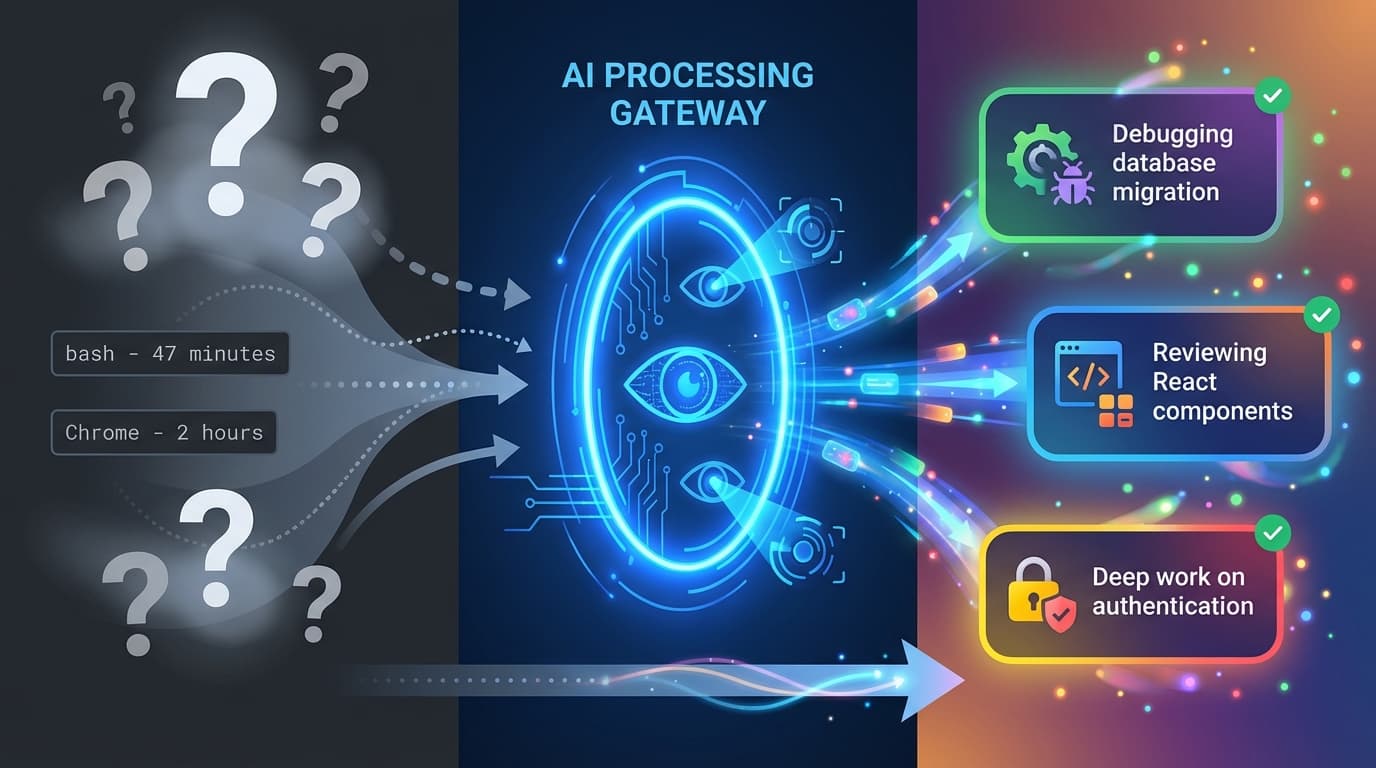
ScreenRecord vs. ActivityWatch: From Logger to Analyst
ActivityWatch is an excellent local logger. ScreenRecord adds AI interpretation so your data becomes easier to understand and act on.