Digital Hoarding vs. Digital Insight - Stop Saving More Than You Need
Learn why storing endless screenshots and video is the wrong way to understand your work, and why metadata-first analysis is better.
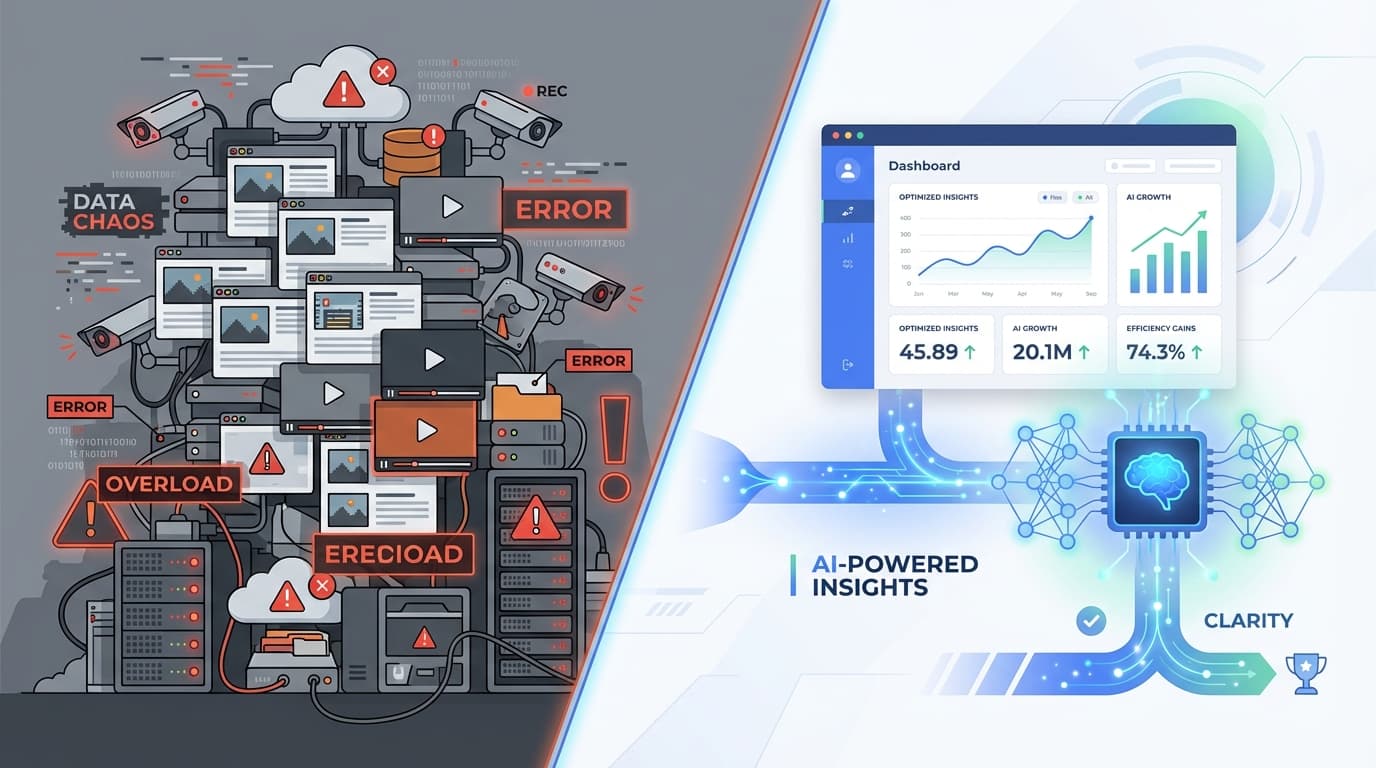
Digital Hoarding vs. Digital Insight
There are two ways to build a productivity product.
The first says: record everything, save everything, sort it out later.
The second says: extract what matters, discard the rest, keep the insight.
We think the second approach is the only sane one.
The Problem with Digital Hoarding
Many tracking tools treat screenshots and recordings like permanent evidence.
That creates three problems immediately:
- privacy risk - raw captures can contain messages, documents, and personal information
- storage bloat - video archives become huge fast
- low utility - most people will never review the footage they save
You end up paying the cost of storing everything without getting much more understanding.
Raw Footage Is Usually the Wrong Output
If your goal is to improve how you work, saving endless visual history is overkill.
You do not need:
- a folder of screenshots from last Tuesday
- hours of silent playback
- permanent records of every open tab
You need answers like:
- where your time went
- when you were focused
- what kept breaking concentration
- whether your week is getting healthier or messier
That is an analytics problem, not an archiving problem.
The Better Model: Metadata First
ScreenRecord is built around the idea that video is a transport layer, not the product.
The useful thing inside the footage is not the footage itself. It is the pattern.
So the system should:
- observe the screen briefly
- extract high-level context
- save structured metadata
- get rid of the heavy, sensitive source material
That is how you move from hoarding to insight.
Why Metadata Wins
| Approach | What you keep | What you get |
|---|---|---|
| Screenshot archive | images and video | lots of evidence, little clarity |
| Metadata-first analysis | summaries, events, patterns | fast review and useful feedback |
Metadata is:
- lighter to store
- easier to search
- safer to protect
- better suited to weekly reflection
Most importantly, it is closer to what you actually need.
Privacy Improves When You Keep Less
The easiest way to reduce privacy risk is not better promises. It is less raw material.
If a tool stores fewer screenshots, fewer recordings, and less literal content, it has less to leak, less to expose, and less to misuse.
That is one of the core ideas behind ScreenRecord: keep the pattern, not the private details.
A Better Question
Instead of asking:
"Can we save everything just in case?"
Ask:
"What is the minimum data needed to help someone work better?"
That question leads to a much healthier product.
It produces:
- weekly summaries instead of endless galleries
- patterns instead of proof-of-work theater
- useful memory instead of digital clutter
Stop Building Archives You Will Never Revisit
A productivity system should help you understand your work, not bury you in forensic evidence of it.
Hoarding feels thorough. Insight is what actually helps.
Want the signal without the archive? ScreenRecord is built to extract useful patterns from your work without turning your life into a giant screenshot folder.
Ready to understand your work habits more clearly?
Related Posts
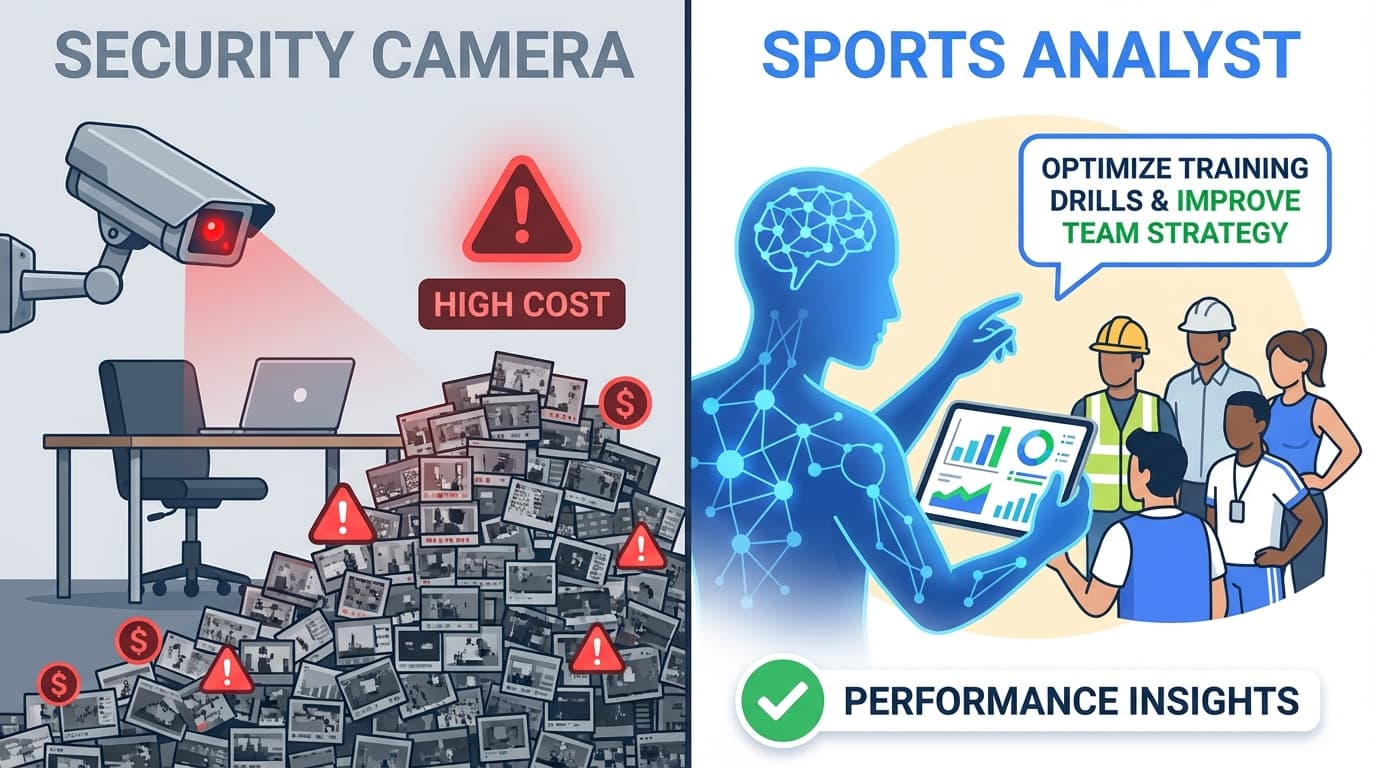
ScreenRecord vs. Hubstaff: Screenshot Tracking vs. Personal Insight
Hubstaff is built around screenshots and activity percentages. ScreenRecord is built around weekly interpretation, privacy, and focus patterns.
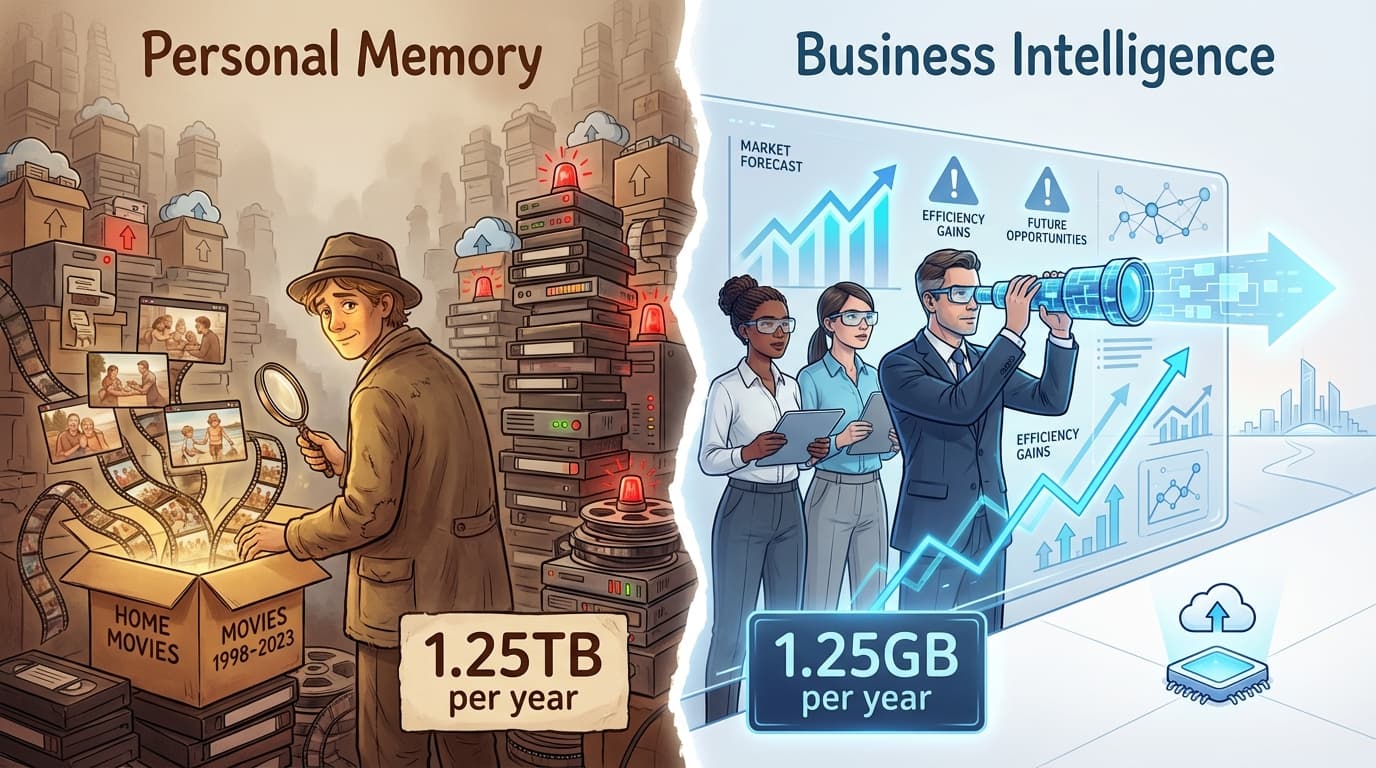
ScreenRecord vs. LifeTrace/Rem: Personal Memory vs. Personal Productivity
Rem and similar tools help you remember what happened. ScreenRecord helps you understand patterns and improve what happens next.
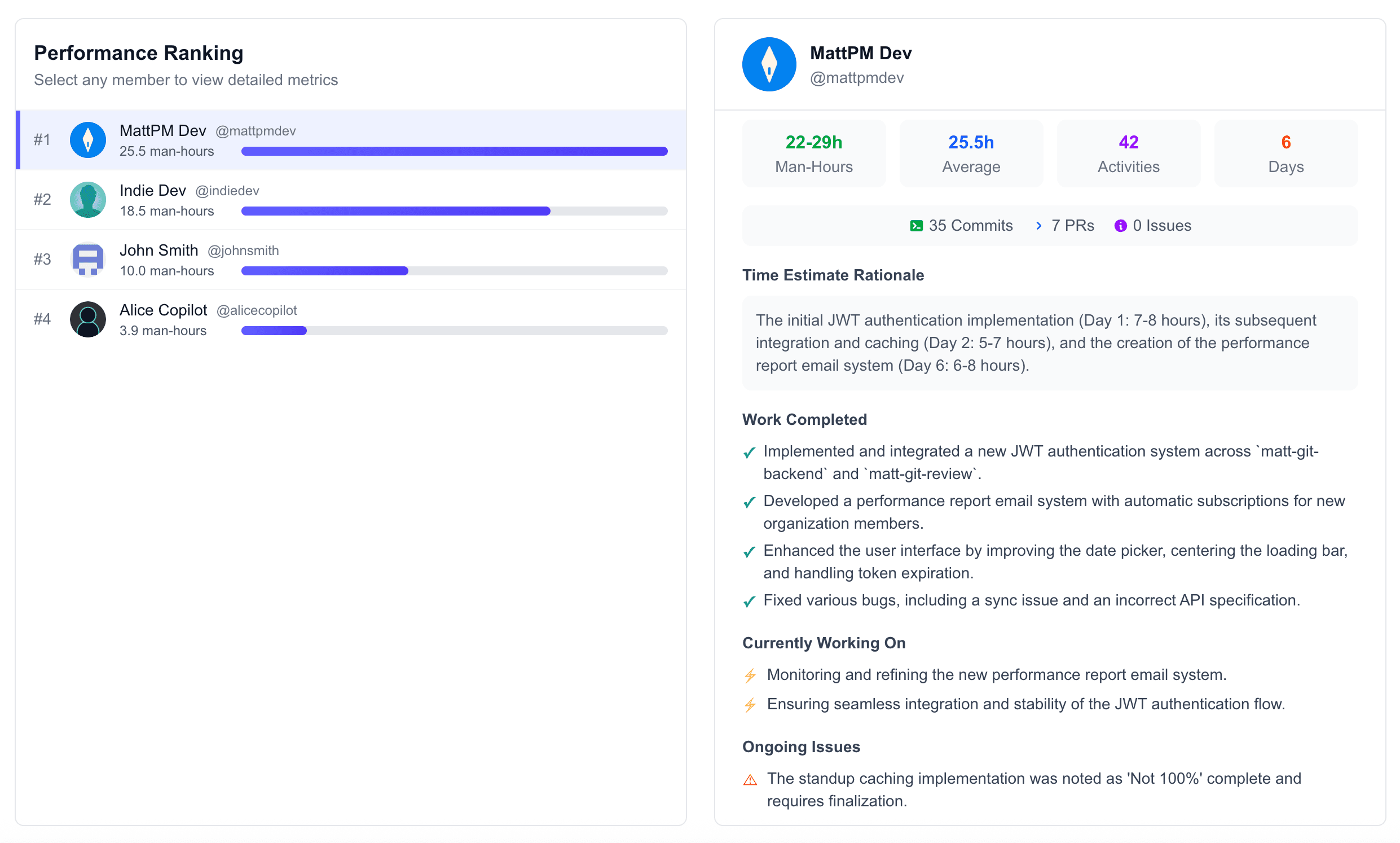
Getting Started with ScreenRecord - Personal Productivity Setup Guide
Learn how to set up ScreenRecord, collect your first week of data, and turn AI insights into better work habits.