AI-Powered Time Tracking - How Work Visibility Changes Everything
Discover how an AI work visibility tool that reads on-screen work turns time tracking into actionable intelligence, without keeping any screen footage by default.

AI-Powered Time Tracking: How Work Visibility Changes Everything
Updated on 8 July 2026
Traditional time tracking asks one question: "How many hours did you work?" AI-powered work visibility asks better questions: "How effectively did you work? What patterns indicate success? Where are the hidden productivity killers?"
ScreenJournal is an AI work visibility tool that reads on-screen work as it happens, turns it into a detailed timeline of what each person actually did, and then, by default, deletes the raw screen data. Timelines accumulate into a searchable chronicle of everyone's work history, and from them ScreenJournal generates timesheets and reports automatically and drafts standup summaries on request, answering questions about any of it in plain English.
This is the difference between counting time and understanding work. If you want the fuller picture of the category, see our overview of AI work visibility and how work timelines are built.

The Evolution of Work Visibility
Generation 1: Manual Time Sheets
- Employees self-report hours
- Prone to inaccuracy and gaming
- Compliance-focused
- No actionable insights
Generation 2: Screenshot Monitoring
- Random screenshots every 5-10 minutes
- Easy to game with "productive" screens on display
- Context gaps between captures
- Still just counting time
Generation 3: AI Work Visibility (Today)
- Frontier AI models read on-screen work as it happens
- Pattern recognition across work activities
- Anomaly detection for risks and opportunities
- Focus on outcomes, not just inputs
- The raw screen data is deleted by default; only the derived timeline is kept
How AI Work Visibility Transforms Time Tracking
1. Complete Context, Not Snapshots
Traditional screenshot monitoring captures moments. ScreenJournal reads the whole story as it unfolds, then, by default, keeps only the timeline it writes.
The Screenshot Problem:
- Employee opens spreadsheet before screenshot
- Returns to YouTube after capture
- System shows "productive" activity
- Reality: minimal actual work
The Work Visibility Solution:
- AI reads on-screen work continuously and writes down what happened
- It analyses time spent in each application
- Context switches and focus periods identified
- No gaming possible, the full picture is captured in the timeline
- The raw screen data is discarded during processing by default; no footage is stored unless a manager opts in to keep video evidence
If the stored-screenshot model is your starting point, our take on the screenshot archive problem explains why an archive is a liability rather than an asset.
2. Intelligent Pattern Recognition
Our AI doesn't just log activity, it understands. By reading on-screen work, ScreenJournal identifies:
Work Style Analysis:
- Deep Focus Workers: Long uninterrupted blocks in work applications
- Collaborative Workers: Frequent communication tool usage, meetings
- Mixed Mode: Alternating between focus work and coordination
Productivity Cycles:
- Peak performance hours for each team member
- Energy patterns throughout the week
- Optimal meeting times that minimise disruption
- Natural break patterns for sustained focus
3. Anomaly Detection That Matters
Instead of raw data dumps, you receive actionable intelligence. ScreenJournal surfaces patterns worth a closer look rather than asserting fixed pass/fail thresholds:
| Detection Type | What It Surfaces | Why It Matters |
|---|---|---|
| Idle Patterns | Repeated extended idle stretches within a workday | Highlights possible disengagement to review |
| Paused and away time | Long stretches with the tracker paused or nobody at the keyboard | Keeps timesheets honest |
| Burnout Signals | Late nights, weekend work, declining activity trends | Protects employee wellbeing |
| Context Drift | Sustained time in non-work applications | Reveals where focus may be slipping |
These are prompts for a human to investigate, not automated verdicts. Managers decide what, if anything, to do.
4. A Team View That Reads the Record for You
The biggest problem with traditional time tracking? Information overload. Managers drown in raw data instead of managing teams.
ScreenJournal's approach:
- Overview: team KPIs for a day, week or month, the split of active, unproductive, paused and offline time, an attendance calendar and a per-member breakdown
- Ranking: the weekly league table, with an AI-written summary of each person's week
- Alerts: rules you write in plain language, a nudge to the person, and their explanation back in your inbox
- The Assistant: ask "who was most productive this week?" and get an answer from the real record
No daily dashboard decoding. No manual data interpretation. The reading is done for you.
Real-World Applications
Remote Team Management
Problem: No visibility into how remote employees actually spend their time.
ScreenJournal Solution:
- AI reads on-screen work and writes a timeline of real activity
- It analyses patterns across the full workday
- The Overview and weekly Ranking show who's thriving and who needs support
- Managers intervene early, not after problems escalate
Result: Managers spot who needs support far earlier and spend less time assembling status updates by hand, because the picture is already written for them.
BPO & Call Centre Operations
Problem: High employee churn, inconsistent productivity, gaming of traditional metrics.
ScreenJournal Solution:
- The timeline reveals actual customer interaction quality
- AI identifies top performers' work patterns
- Anomaly detection catches policy violations early
- One transparent productivity score, correctable by admins
Result: Coaching gets grounded in what genuinely happened, top-performer patterns become teachable, and quality issues surface while there is still time to act. See how this plays out in BPO and call centre monitoring.
Professional Services Teams
Problem: Difficult to understand billable hour accuracy and actual effort.
ScreenJournal Solution:
- The timeline validates time spent on client work
- Each timeline entry names the app, the document or site, and what was being done
- The Timesheet turns tracked hours into pay, with segments you can exclude
- Weekly rankings improve resource allocation
Result: Timesheets reconcile more closely with the work that actually happened, and project estimates improve as teams see where effort really goes.
Privacy-First AI Analysis
ScreenJournal's AI respects privacy while providing insights:
What We Analyse:
- Application usage patterns
- Focus vs. distraction time
- Attendance against the working calendar
- Paused, away and offline time
What We DON'T Keep:
- Keystrokes: nothing you type is captured
- Password or financial information
- Screenshots, and by default any raw screen footage
- Webcam capture
Our AI reads on-screen work to extract patterns, writes them into the timeline, then deletes the raw screen data. By default there is no screenshot or video archive to leak. Where a manager needs video evidence they can opt in to keep the recordings (Evidence Mode), and those recordings are stored for up to 3 months. Meetings and calls are a separate matter, and an optional one: meeting audio is off by default. Where an organisation turns it on in the desktop policy, the app records and transcribes calls in recognised meeting apps, members see a recording notice when they sign in and can turn meeting capture off in the app unless the organisation requires it, and transcripts and playback appear on the Audio page for the people allowed to see them.
The Productivity Score: Transparent Measurement
The AI rates every recorded segment on a five-point scale - Productive, Neutral, Low productivity, Distraction - and a day's Productivity (%) is weighted productive hours divided by an 8-hour workday (productive counts 1, neutral 0.5, unproductive 0). The same figure appears on Activity, Overview, Ranking and in every export.
Correctable, not opaque: an admin can correct a single segment, and standing correction rules apply to new activity as it arrives. There is no keyboard or mouse "intensity" measure and no per-role normalisation; the score reflects what the AI saw on screen, and everyone can see the entries behind it.
Getting Started with AI Work Visibility
Week 1-2: Deployment
- Install ScreenJournal desktop app on team devices
- Set the desktop policy and working calendar
- Communicate transparently with your team
Week 3-4: Baseline Establishment
- AI learns normal patterns for your team
- Initial insights begin appearing
- First weekly Ranking worth reading
Week 5+: Full Intelligence
- Anomaly detection calibrated to your team
- Trend analysis across weeks and months
- Alerts tuned to what your team cares about
How does this compare to other tools?
Most tools give you dashboards to interpret yourself. ScreenJournal gives you answers: an Overview and weekly Ranking that show who needs attention, and an Assistant you can ask what happened. Every timeline also feeds a searchable work chronicle of your team's work history, the most recent 12 months, so you can ask what happened on any day and get a plain-English answer. If you are weighing the stored-screenshot approach specifically, see ScreenJournal vs screenshot trackers.
When should you pick something else? If all you need is a simple stopwatch for billing and you do not want any visibility into how work happens, a lightweight timer will be cheaper and simpler than a work visibility tool. ScreenJournal earns its place when you actually want to understand the work, not just clock it.
Frequently asked questions
Isn't reading the screen invasive?
Reading on-screen work and keeping only a timeline is less invasive than traditional monitoring. The AI extracts patterns rather than personal content, the raw screen data is deleted during processing by default so there is no footage to review, and employees can see exactly what is measured. The focus is productivity, not surveillance.
How is AI time tracking different from screenshot monitoring?
AI time tracking reads on-screen work continuously and writes a timeline of what actually happened, then deletes the raw screen data during processing. Screenshot monitoring captures random moments that are easy to game and stored as an archive. By default there is no screenshot or video archive with ScreenJournal to leak or review; a manager can opt in to keep video evidence, stored for up to 3 months.
Does ScreenJournal record call audio?
Only if your organisation turns it on. Meeting audio is off by default; an admin enables it in the desktop policy and must accept a recording-law notice first. When it is on, the desktop app records and transcribes calls in recognised meeting apps, members see a recording notice when they sign in, and they can turn meeting capture off in the app unless the organisation requires it. Transcripts and playback appear on the Audio page for the people allowed to see them.
Can employees see what is being measured?
Yes. Employees see their own timeline, productivity score and activity summaries, entry by entry, in the desktop app and the dashboard. Transparency is built into the product because it builds trust, and everyone knows exactly what is being analysed rather than being watched covertly through stored footage.
The Future of Work Requires Smarter Visibility
Remote and hybrid work isn't going away. The question isn't whether to track time, it's how to understand work intelligently.
AI-powered work visibility represents the next evolution: insight that reads what actually happened, by default keeps only the derived timeline, respects privacy, and helps managers lead rather than surveil.
Stop guessing. Start knowing.
Let AI turn screen data into clear insights. Start your 2 months free trial
Related Posts
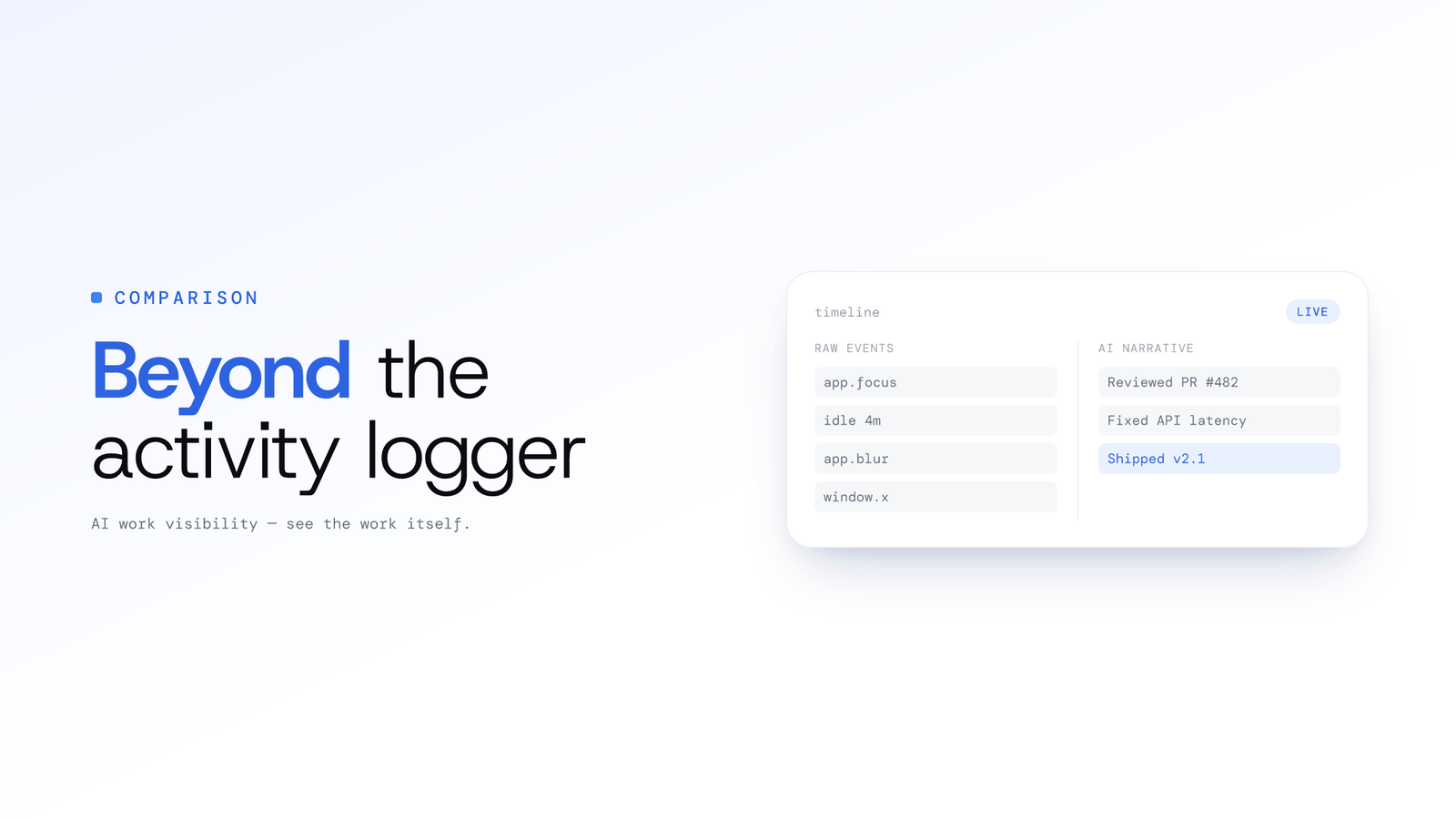
ScreenJournal vs. ActivityWatch: From Logger to Analyst
ActivityWatch logs window titles locally for one person. ScreenJournal adds AI screen analysis, voice capture, and team analytics for work visibility across a whole team.
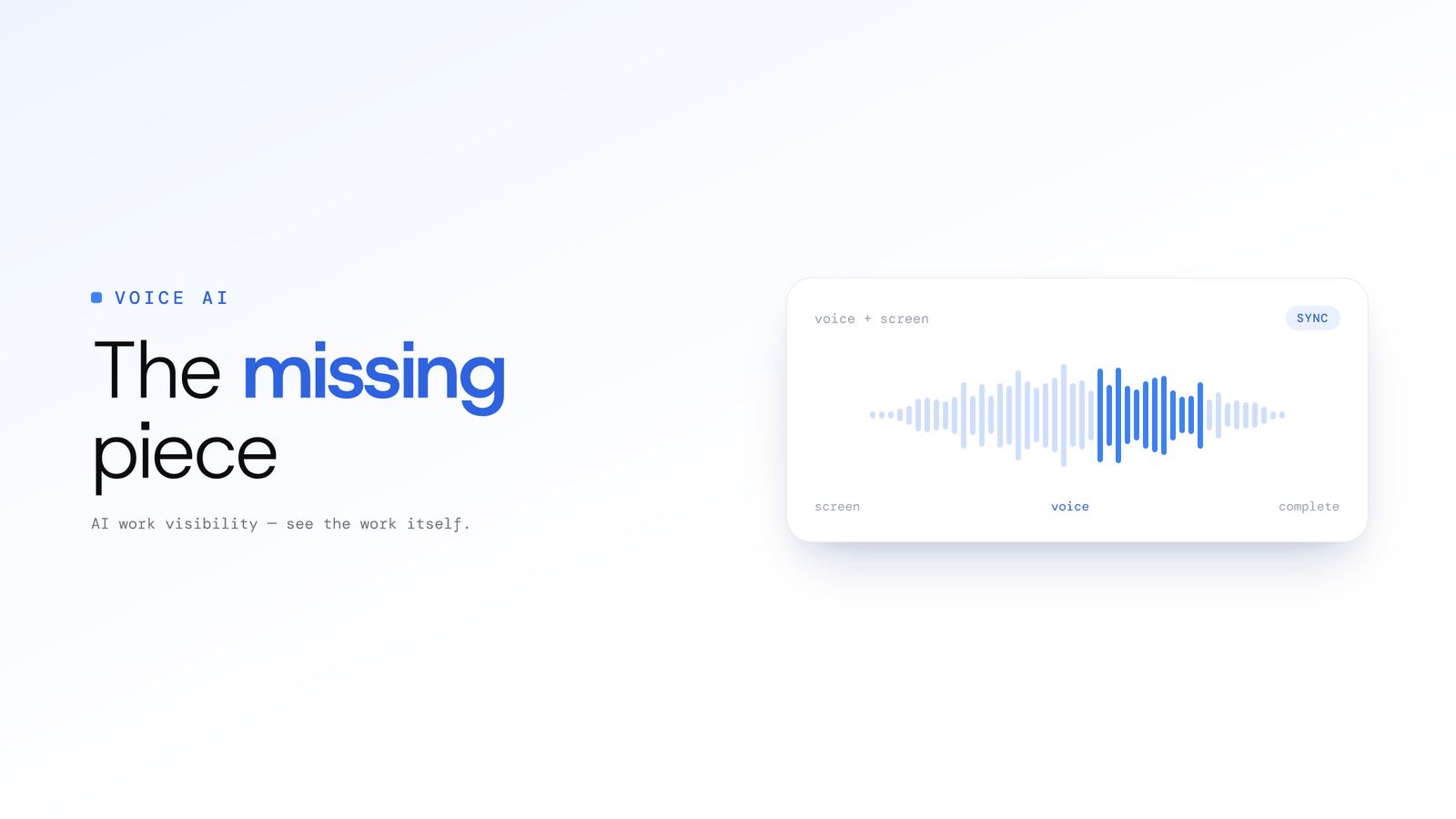
Beyond Screen Recording: Why Voice Analysis is the Missing Piece in Work Visibility
Most work visibility tools only read the screen. For call centres, sales teams, and support desks, the real work happens through voice. Learn how AI voice analysis closes the visibility gap, and how screen and call audio are handled differently.
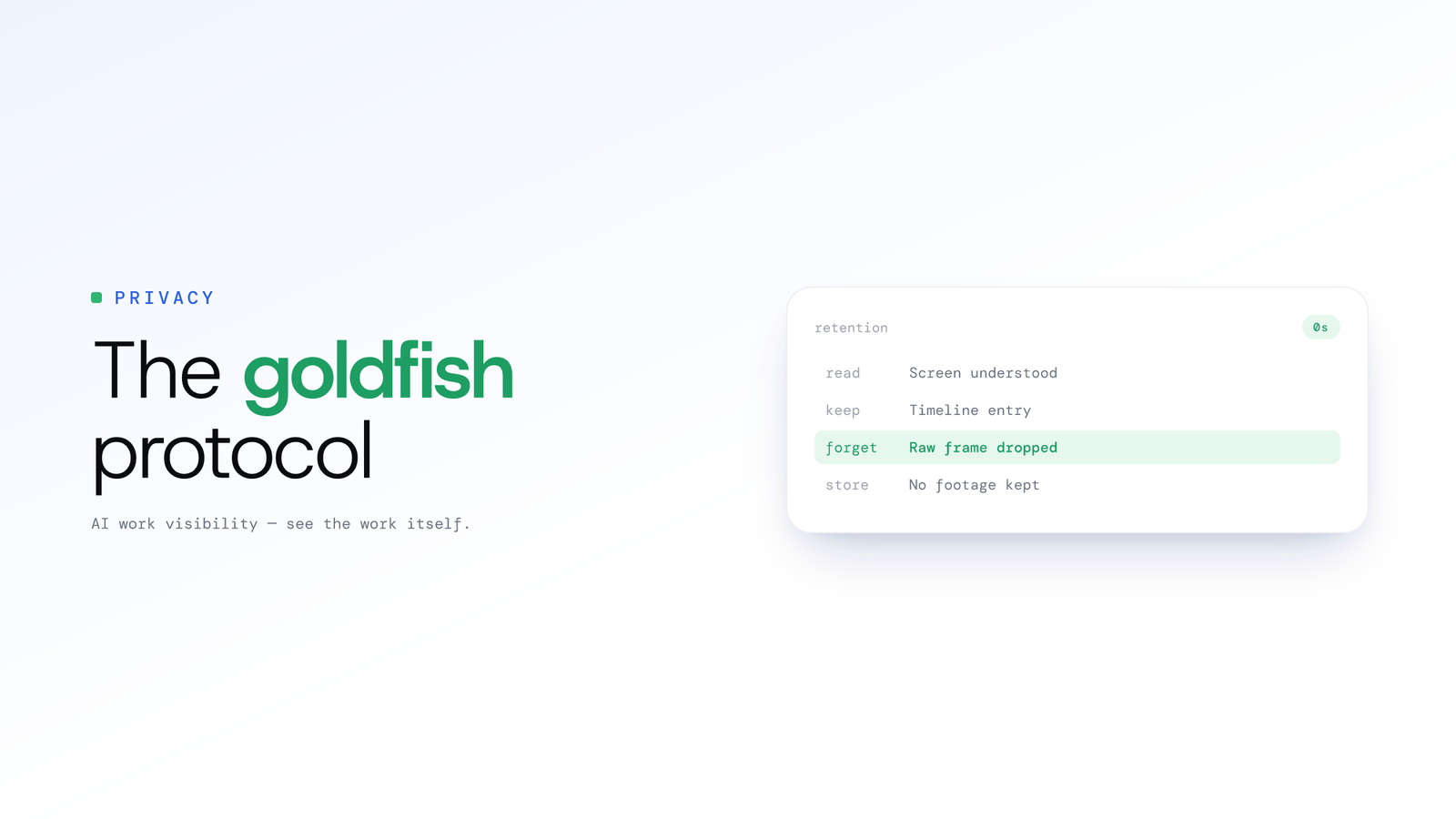
The Goldfish Protocol - How Derive-and-Discard Was Born
The origin story of derive-and-discard: ScreenJournal records the screen as short-lived video, reads the work from it, and, by default, deletes the raw screen data during processing, keeping the timeline, not the footage.